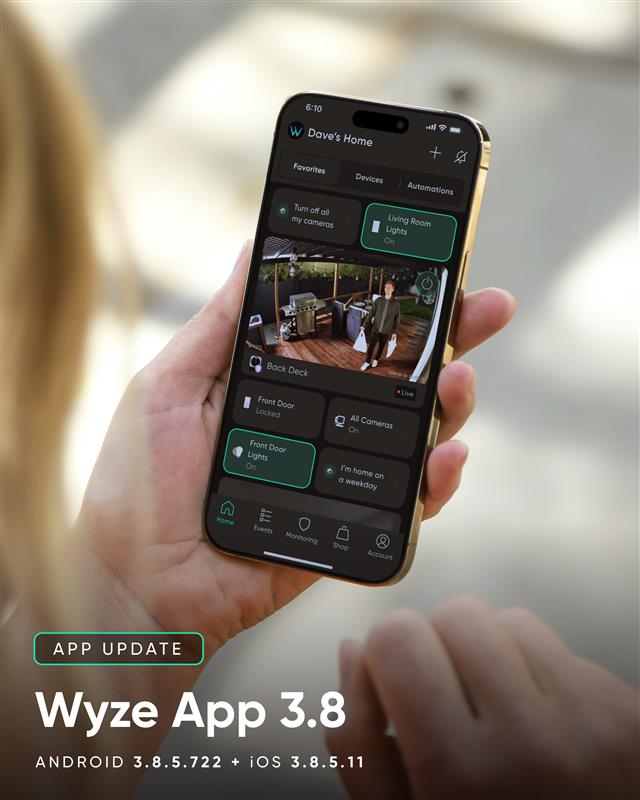
Today, we are releasing Wyze app version 3.8.5. This brings optimizations to the Event tab for Cam Unlimited Pro users and a few bug fixes.
Read our Release Notes
Today, we are releasing Wyze app version 3.8.5. This brings optimizations to the Event tab for Cam Unlimited Pro users and a few bug fixes.
Read our Release Notes
Installed and looking good! 
There is a new selection in the Events. You can select the severity. I just started testing it. Selecting Important/Critical I had a couple dozen events. Selecting Critical only I had only one event. That is a huge reduction in events. What I’m testing now is does it also reduce the android notifications the same. If so–game changer. Keep in mind this is only available on the Pro tier.
I can’t get any of my recordings to download now, they all fail. When will this be fixed?!
What happen when you try to download. I use the iOS app and can download everything. V3, V4, V3 Pro, WCO cams.
Yes, I can down load the recordings via the iOS app but it’s more time consuming as I have to time it right then trim the video. The Wyze app did it before and worked great, now the downloads constantly fail for me. Wyze needs to just fix their software. A company shouldn’t say their products do something and they it doesn’t. This issue has been going on for a while now. Just like their AI mislabeling things and completely missing things.
I’m a bit confused with the above statement. Isn’t iOS app and Wyze app one and the same? 
I see what you were talking about, the Wyze App on iOS. But I’m not trying to download a recording from the camera’s SD card, as I don’t have cards in them, I’m trying to download the cloud events. When I go to my events page on the Wyze App, on my iPhone, and press the more button there are two Actions, Download and Delete. Most of the time when I press Download it downloading then says download failed that there was an error downloading. I can use my iPhone’s screen recording feature, but that takes more time and that is the one I would have to trim the recording. Wyze needs to fix their download feature on their App. And there is nothing wrong with my home WiFi, all my cameras have a strong signal, as they have always had for years.
I might be wrong here, but the “More” button was deprecated some time ago. I have a feeling that you need to update the app to the most recent iteration. There is no more “More” button, now it is sliding bar as in mine and @Antonius’s screenshot.
Resist is probably stuck running iOS 15.8.5. I think the latest Wyze app for that OS version is app version 3.2.0 (9). That app version has a “More” button in a panel on the right side that pops up with some other icons when you tap the screen.
That might be his case, buggy older version 
If so, this discourse is in the wrong topic. We’ll see if they chime back in.
As @Seapup stated, when you playback from the events page you have to tap the screen to get “More” even on this 3.8.5 app.
Thank you for checking that. I just wasn’t in the mood to fire up an iPhone today. 
I had mine fired up, just updated to iOS 26.1
Yes I have to tap the screen to get the “More” button to show. Doesn’t change the issue. I’m on the Wyze app 3.8.5(1) and iOS 26.1.
But how is it decided what is critical and what is not? How do you know what you might be missing?