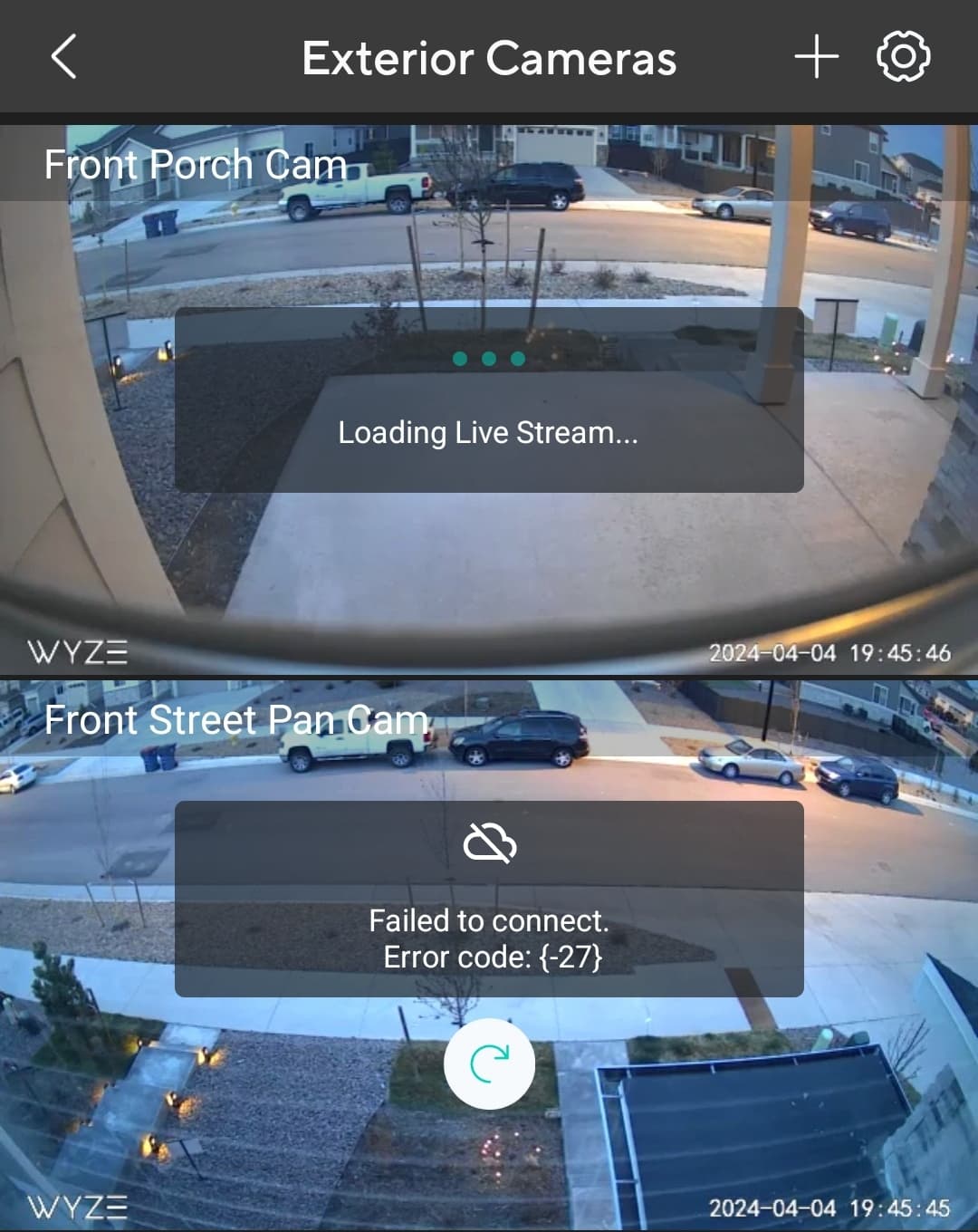
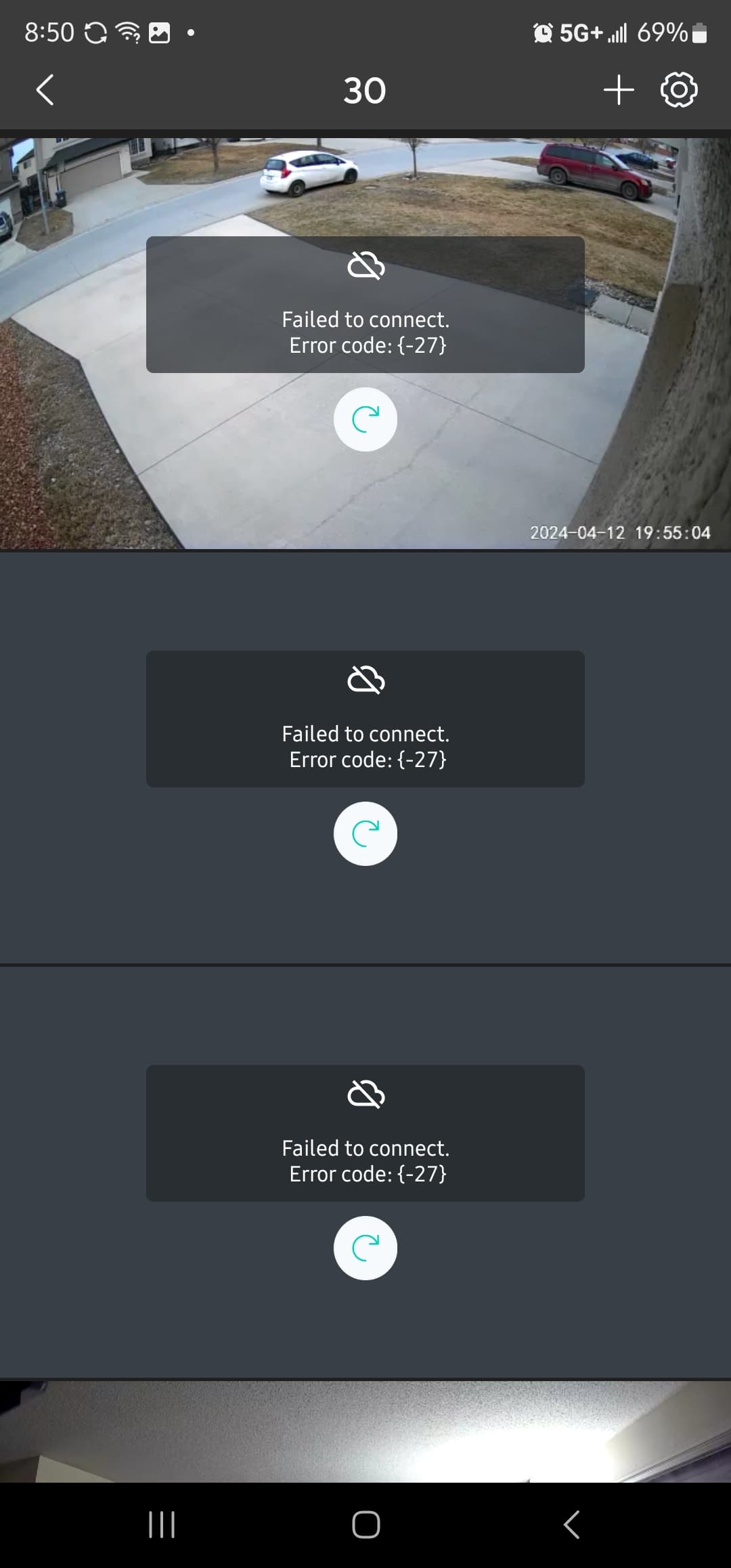
I’m sure you know but I’ve read several articles that Android 12 could be the issue which is what my phone runs on, then again many others on the forums that have Android 12 have no problems just thought I’d mention that in case.
Nope. I still agree with what I said. Networking is too complex for most people to understand or deal with.
To clarify that further, there are things out of control of the cams. If its within control of Wyze, fine. But, aspects where it fails to work, the cam or Wyze may not be at fault and most people won’t be able to deal with that. They would then need to get someone who can or just move on from the product.
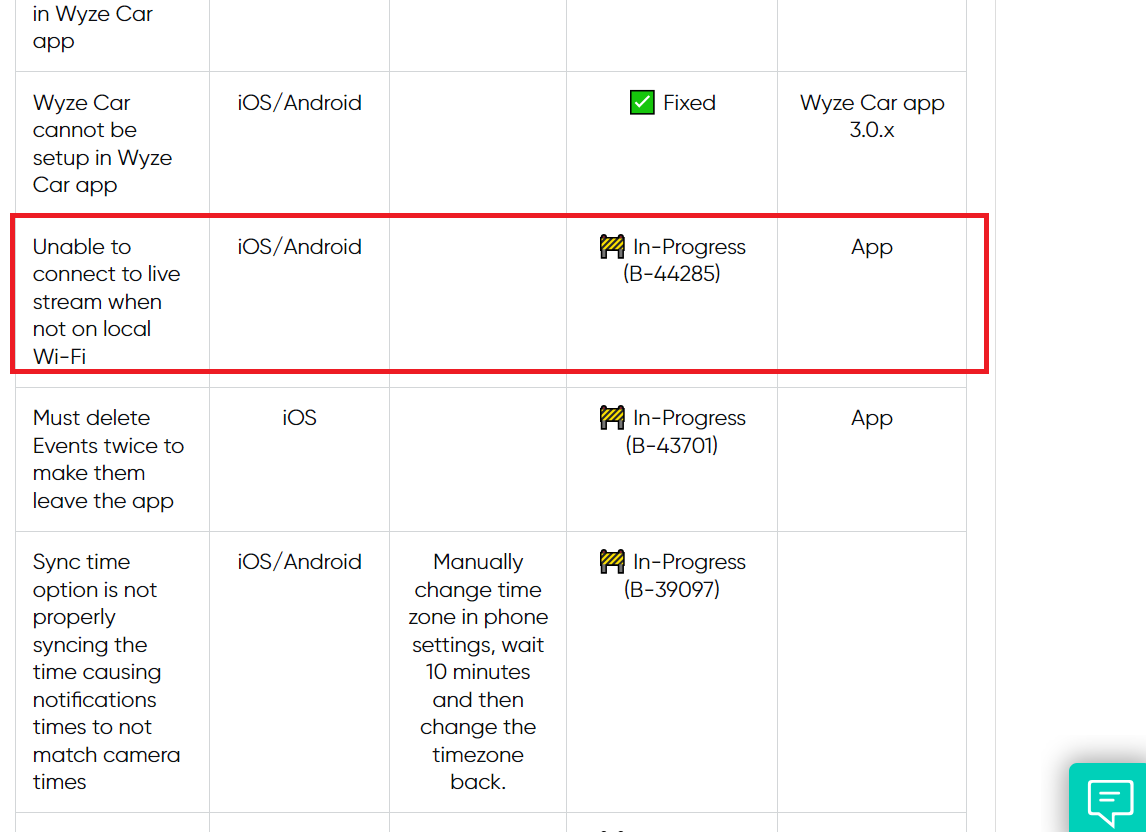
I see they are working on this but it has been 6 or 7 weeks now… This really needs more attention, but I am guessing it is a smaller number of accounts affected. I think this is related to the fix they made for showing other peoples camera footage?
Just scanning thru this post to see what you have tried.
I presume you have tried deleting the app, restart smartphone, and then reinstalling the app, and also tried accessing from a different smartphone on tablet?
Same issue still happening on my end. No problem viewing my cams using home network but as soon as I connect to either mobile data or my freinds home network, the error 20 all the way to error 200 occurs. The only way to do a quick peek of my cameras is by clearing the application cache… but once the app stored a cache, the error goes back again. .
Why is this still an issue? Sitting at the dealership while vehicle is being serviced and tested on both cellular (full signal) and dealership’s wifi…nothing other than error codes -27 on every camera.
I posted on another post that I can view all my cams in California since I arrived in New York yesterday. Using cellular data (LTE) Verizon , iPhone SE 2020