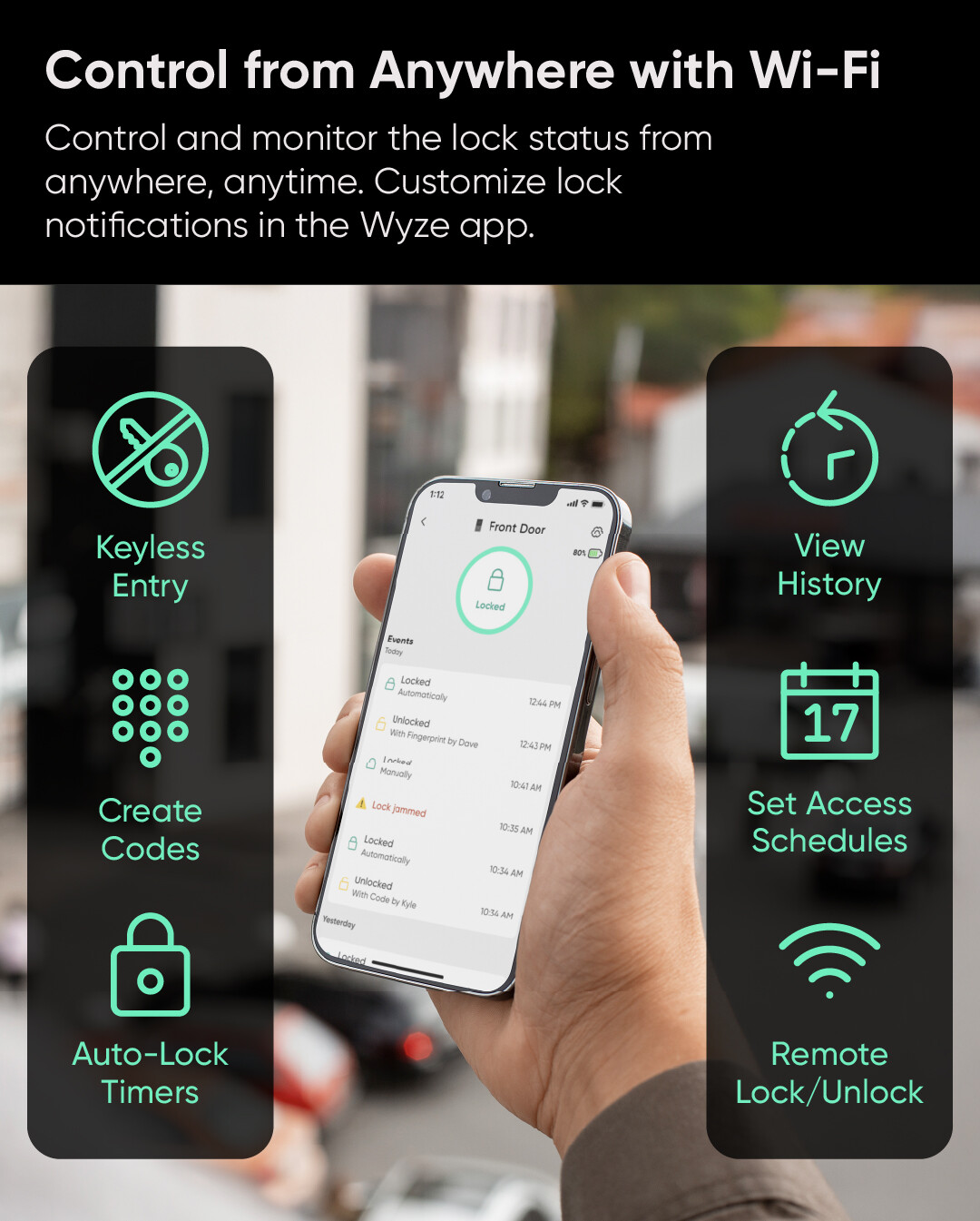
Touch once. You’re in. Unlock in 0.5 seconds with the biometric fingerprint scanner. Your data is stored locally, not on the cloud. You can also control it from anywhere with Wi-Fi lock/unlock.
This lock is more affordable than the palm lock for those looking for a more affordable smart lock option that can still do some automations and open quickly without requiring a key.
I think I still prefer my primary front door to use the Wyze palm lock, and then this more affordable smart lock will go well with being a back door lock (for my situation).
Plus biometrics and the physical key that we all know you love so much!
(No, I’m not trying to get into that discussion again. I still like the mechanical key as a true backup when everything else stops working, and I’m well aware of your objections.)
I haven’t yet watched the introduction videos for this, so I don’t know if it’ll have the same Change Network feature that Kyle said they introduced with Palm Lock. I haven’t yet heard anyone mention using that feature, so I’m interested in learning what people experience with that.
I would expect this to use the same Schlage SC1 keyway as the Palm Lock. That and your other question were asked in another topic after Palm Lock launched, but I never saw an answer from Wyze about that second question. My guess is that anyone wanting keyed-alike locks would have to re-pin themselves or hire a locksmith, but it’d be good to see an official answer about this.
I figured it probably would. I still haven’t watched the video for this new one, but I remember when Palm Lock launched Kyle commented about that in the app and said that it was something users had been requesting, IIRC.
Physical keyslots are [IMO] just unnecessary major security vulnerabilities But at least they can be filled with superglue or removed. So, at least there is a workaround for those of us that don’t like them while making it available for those who do.
These have an SC1 keyway like the palm lock. You would have to have them rekeyed by a locksmith to have them keyed alike, you cannot order them that way.
I understand. While it is popular, it is smart to include it. I think physical keys will still be popular for up to another 20 years or so since it will take a while for the younger generations to dominate their purchasing power influence to steer the market away from it. But for now, I can’t really blame companies for including it to solicit sales from the subset of consumers that demand it as a non-negotiable requirement. Us anti-key-slot people will win in the long run though as people my age and older with the key bias are replaced with people more open to not needing them. I was just born a bit too early for that great day.
I use ultra-lithium batteries in my original Wyze lock and usually get about 14 months of use from them. The issue with lithium batteries is the discharge curve is steep so they go from powering the lock to not very quickly.
Will Wyze ever add the circuitry and logic to correctly determine remaining battery life for lithium batteries?
Installed my Lock-Bolt-v2 today, ran into a major issue, the holes on the interior mounting plate where way to small for the mounting screws! I didn’t want to deal with Wyze customer service and have to send it back and wait for a replacement. having strong mechanical skills, I had to drill the mounting plate screw holes out to accommodate the screws. This is a major QC issue on Wyze as I do not think that very many customers would be capable of doing this and the ones that can wouldn’t appreciate having to do it like I did. Lastly It is missing one major function that the Lock bolt v1 had and that’s staying unlocked when the door is open. It will extend the dead bolt when the door is open to whatever time you have set with no ability to have it stay unlocked when open.
I’ll be installing mine soon. I checked the holes on the one I have and they seem OK. I did read about that function difference when the door is left open before I bought it. I currently have the first version from Jan 2020 and I rely on the door being unlocked and open when I will be out only for a short time. This one has fingerprint and a code to get back in so I view that as a plus. Stops the bugs and whatnot from entering the home too!




 But at least they can be filled with superglue or removed.
