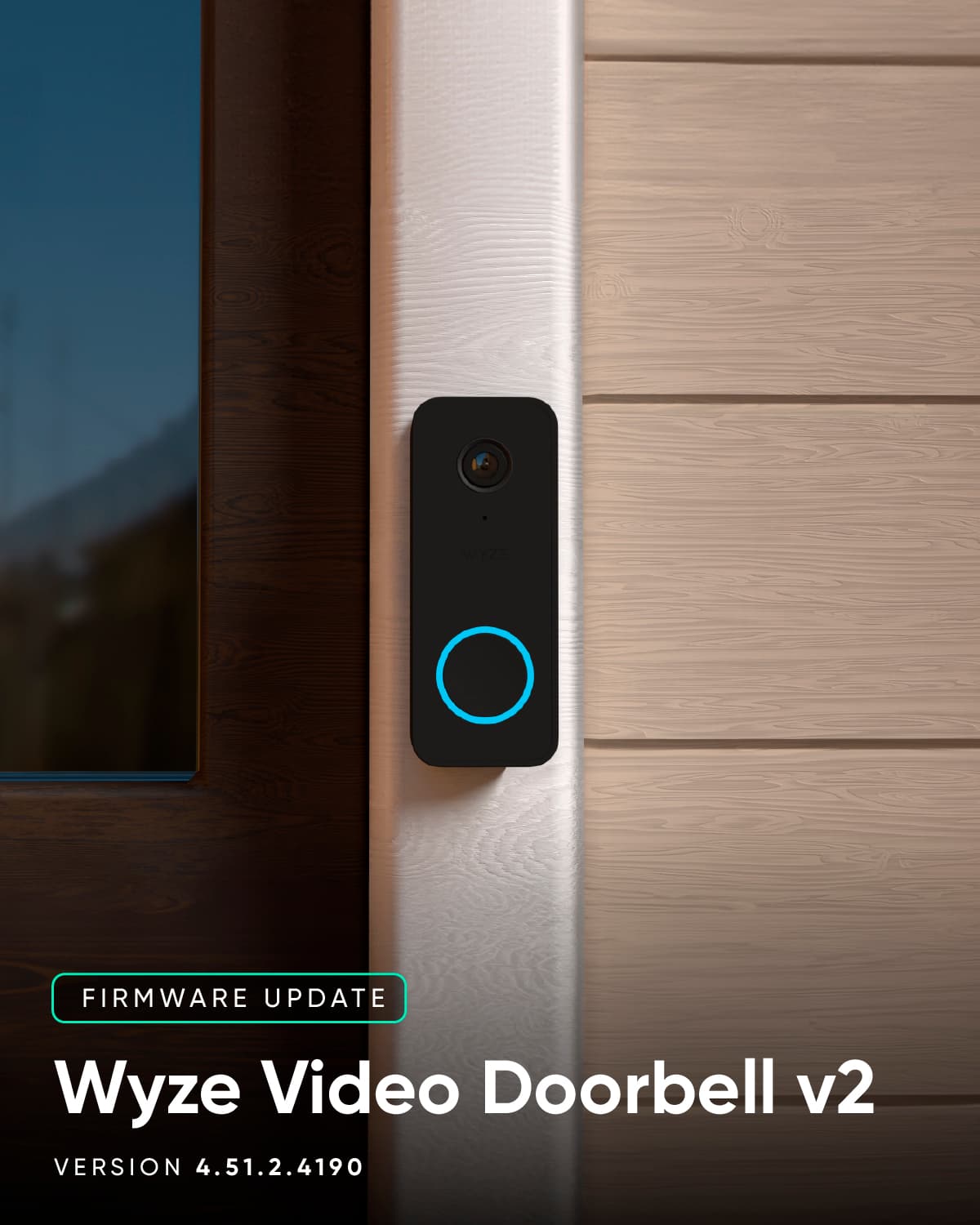
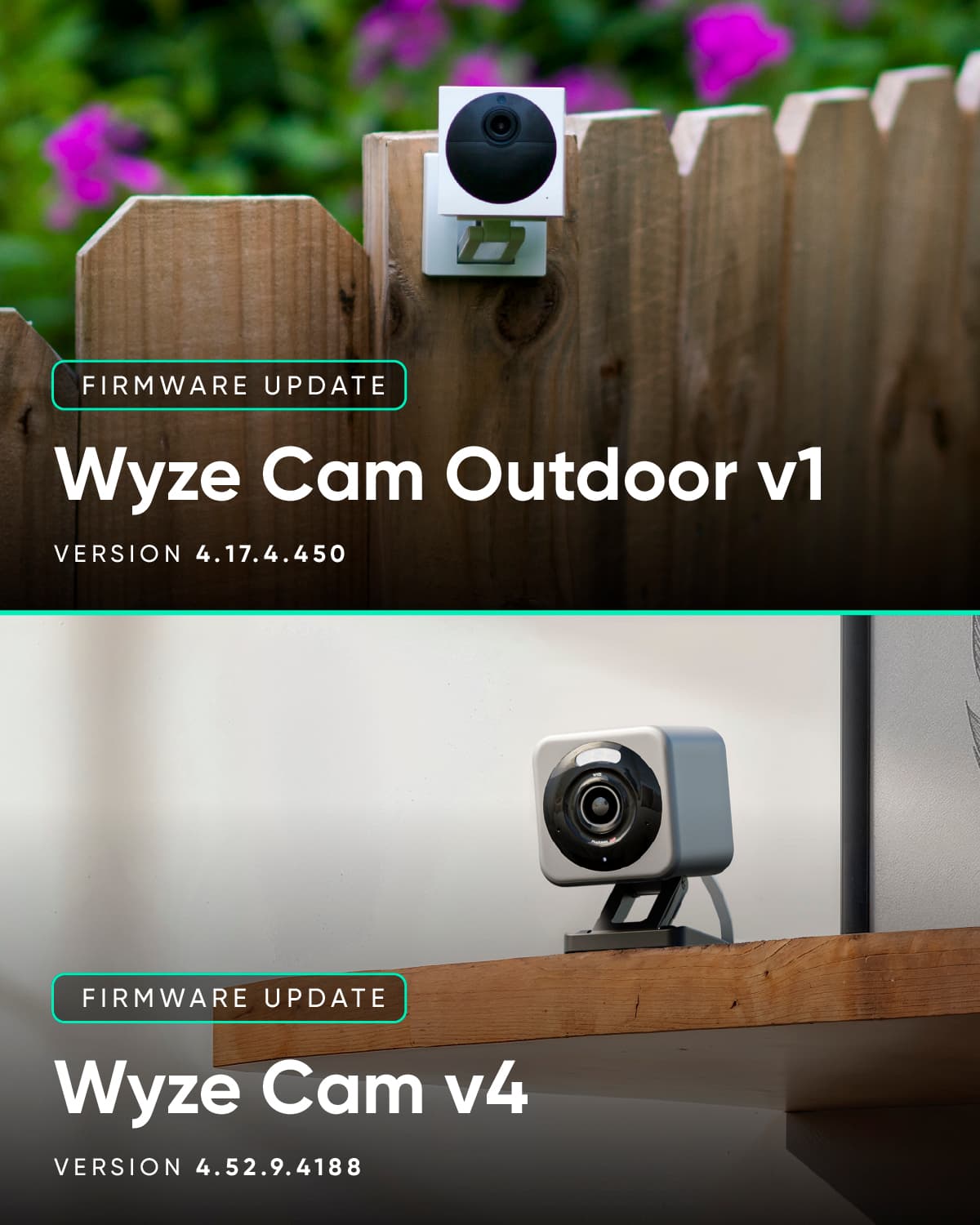
Today, we have firmware for Wyze Cam v4, Video Doorbell v2, and Outdoor v1. This fixes an issue in Wyze Cam Outdoor v1 that prevented scheduled recordings from being deleted.
We improved the Animated Thumbnail feature in Wyze Cam v4 and Wyze Video Doorbell v2.
Latest update bricked two of my 5 cam-v4s. They won’t turn on nor enter setup. No lights nothing. Version 4.52.9.4188 tried switching outlet plugs, cables. You name it I tried it.
Yup. Opened a support request. They couldn’t tell me the exact issue but it was resolved with warranty claiming both cameras. Out of the 4 v4s I have two to magically delete themselves like this. So odd
That doesn’t sound good, I have four V4 cams. Glad I have auto firmware updates turned off and I would never update a firmware on the first day of release.
That’s a good idea. I just noticed I was enrolled in the beta program for a few of my devices. Not sure why .4188 bricked two of my cameras after being on the firmware for a while now.
Do the cams have SD cards in them? If they do I would take them out and use a clean 32 GB or smaller card to flash to public release firmware if the cams are alive.
They do. But they are fully bricked. They won’t turn on, won’t factory reset, no lights on them. Support wouldn’t give me a full answer and luckily I was still under warranty
I imagine it’s a phased roll-out, which often seems to be the case with Wyze app and firmware releases. I’m seeing the same thing for my Video Doorbell v2 but would expect to see the new firmware available in a week or so unless the engineers see a problem with the release and put a pause on it for some reason.
You’re welcome, and I wouldn’t sweat it too much. Your concern comes up from time to time as a question, and they’ve provided official explanations before about how they don’t always release everything to users at once so they can monitor for problems as an update propagates.
If you’re not having significant problems with the current firmware, then I’d just check it over the next 1-2 weeks, but it probably won’t take that long for you to receive it (I’m speculating). If you’re not seeing it within that time frame, then I’d probably ask about it again and/or log it and open a Support ticket. For now, though, I’d just wait. If there’s a problem with the release, then you’re already watching the right Forum topic for that.
Hey Jason, as of today I still haven’t received the update for version two doorbell cam. Did they stop releasing it for some reason? I’m still on that 3419