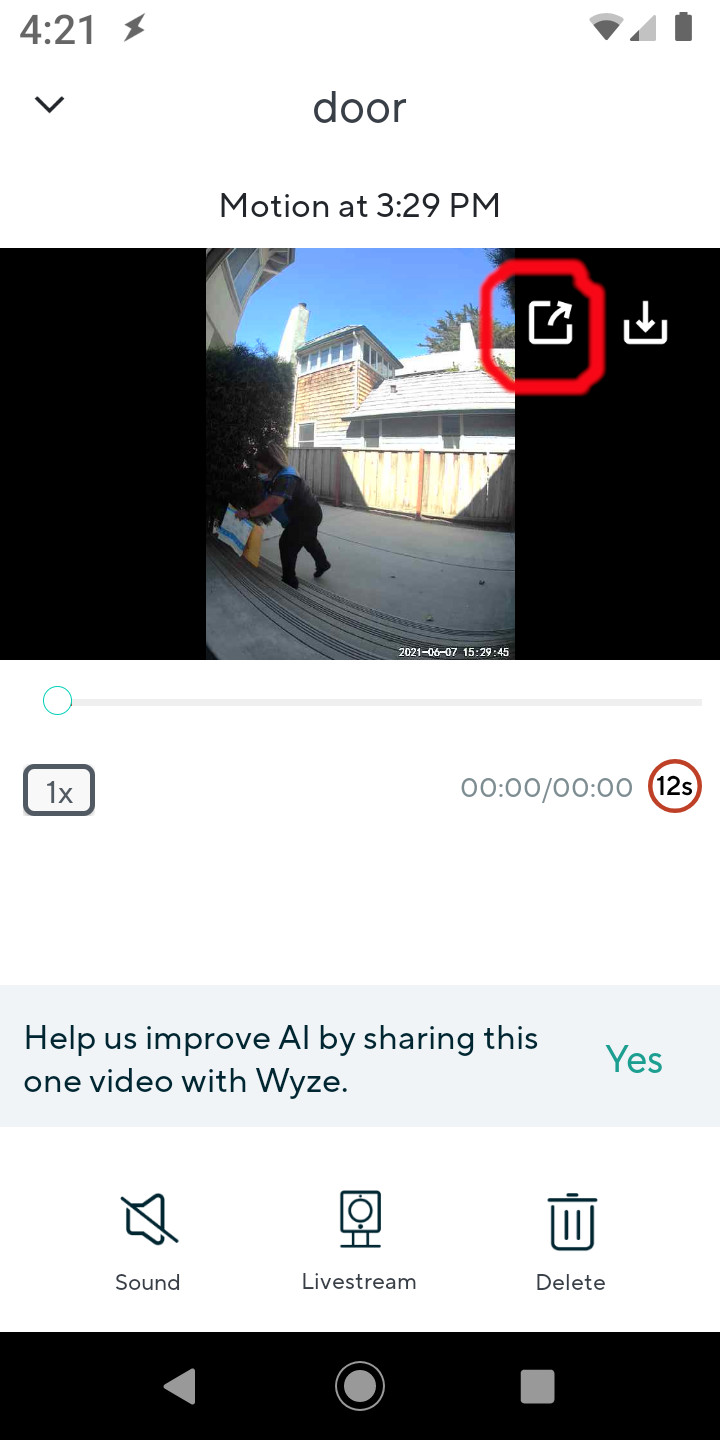
The only real downside is this automagically saves the video to your phone and if you use it a lot you will have to clear the videos to save space. Otherwise it’s a simple workaround that adds only a few seconds.
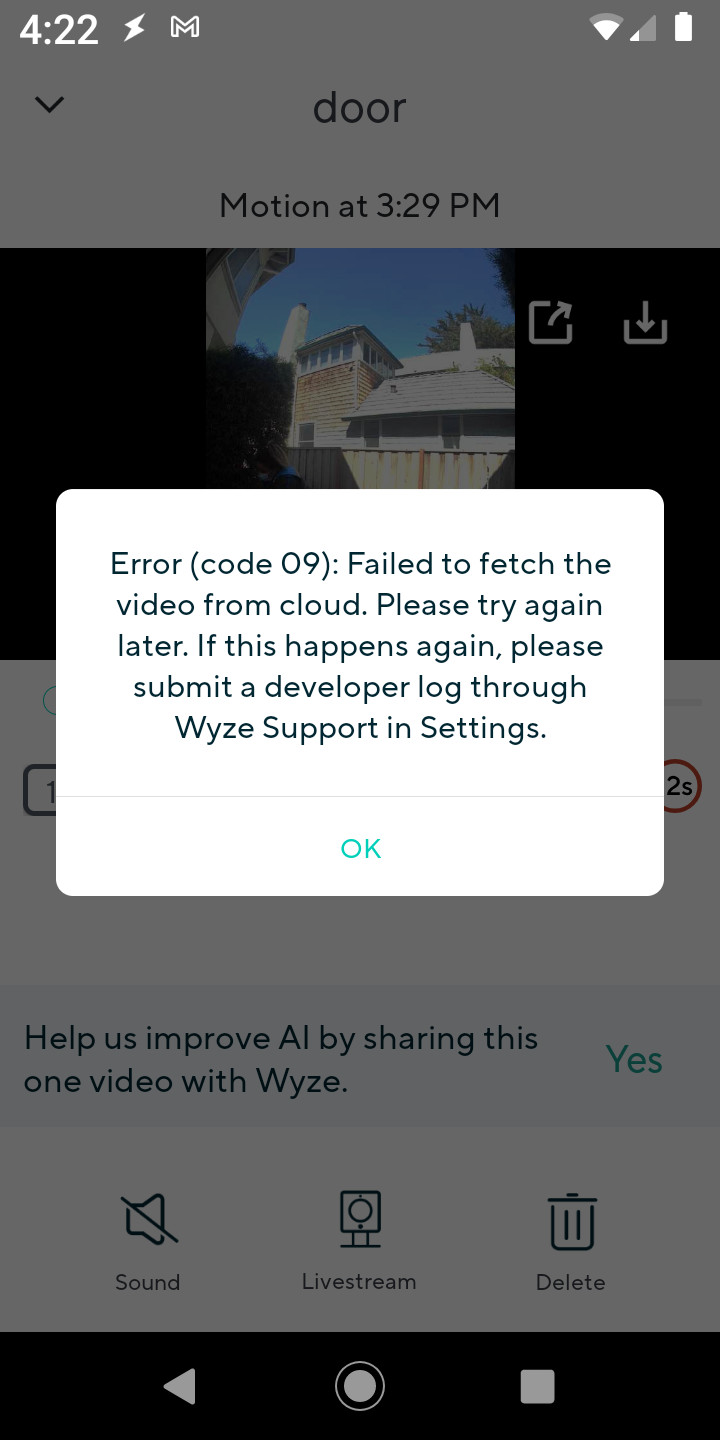
No matter what the error code says that’s not the problem. As near as I can tell the problem is the video is rotated 90 degrees and the Wyze video player doesn’t play well on some phones. A more appropriate work around would be the option to NOT have the image rotated in the Wyze app.
Something I haven’t tried but might also work is override your phones video player with something like VLC.
In any event, yeah this should have been addressed by now but for $30 I’m fine using my work around. For $60 which is the current price I’d probably return it but either way it doesn’t seem like that big a deal.
Yes, thank you!
This actually works on my phone.
This problem was driving me crazy, and even after all the contact with Wyze customer service mavens, and submitting developer logs, without success, this worked.
Someone … presumably an admin/moderator … added a “Solutions” icon to my post which is nice, though it’s really more of a workaround.
In any event I’m going to post a link to the post in some of the other threads on this topic, which I hope is ok.
Ugh or not, apparently they don’t like the same post in multiple areas … Oh well.
One other thing to note for those using this workaround, the trick is just using a video player that can play a video at 90° … I like VLC player and it works but other video players may also work. If you have another one installed try using that first.
Just saw this from a bit ago and wanted to clarify, it should be “sending a log gets you an automatic response with your log number”. Logs are not tickets. The same email tells you to contact support to start the ticketing process and when in contact with them, give them your log number for reference.
Oh to be clear I am not claiming to know what is wrong, why or how to fix it. The 90º angle thing however, can be a problem AND it is/was quite common and the way you get one static image and the player stops but plays only sound afterwards just made me think that’s the problem.
VLC was what I used to get around videos that were configured wrong so I tried it and it worked. Could be coincidence …
Videos are extraordinarily complex and Wyze may have their own proprietary player, however, my guess is they are using the default phone android player and “wrapping” it with their options.
If so this error is likely a foible with our {those of us who get an error} default player since others have no problems.
BUT honestly this is all conjecture because we have no information from Wyze. In the meantime I’ve gotten used to the workaround so I’m not planning on putting more time into this.
Thank you for the VLC suggestion. It works for me, so at least I can now see my doorbell videos on this phone.
FWIW, my phone used to be able to play the event videos from my Video Doorbell. It just stopped a few days ago. However, it can still play the event videos from my Pan Cam, Cam v2, and Cam v3. Also, my doorbell is installed in portrait mode, so I don’t think it’s a 90° angle issue.
I opened ticket 1320187 with Wyze on July 2. I submitted diagnostic logs, etc. Then, on July 24, I tried to submit a log, and the system told me it was closed–even though it’s still broken. This was a waste of effort. I’m trying to get Wyze to reopen the ticket, but I’m not holding my breath.
Has anyone thought about bringing a class action lawsuit to wyze? Why are we spending money for a security system doorbell that doesn’t deliver what is promised? We pay the subscription rate, we buy the equipment, and then it doesn’t work? If anybody does open up a class action lawsuit because wyze can’t get their crap together soon I definitely would like to be part of it. I’ll be watching this post. Hopefully wyze is watching as well and can resolve this problem before it does become a lawsuit. I think in the long run it would be cheaper to just fix this damn bug with the 09 code and the doorbell instead of paying out millions in a court battle…
This has been an issue since July 2021, and it’s still an issue as of Nov 3 with the Wyze Android app 2.25.22. Wyze closed all three of my tickets for this issue without fixing the issue (or notifying me). Wyze also makes it very difficult to create a new ticket because their automated “chat bot” keeps trying to offer useless “solutions.”
I’ve been very patient with Wyze. It’s been four months, and they kept promising it was being fixed and then closing my tickets even though it was not. I’m done. I cannot trust Wyze’s products to provide even the most basic service or Wyze to care when they dosn’t work. I bought two Wyze Video Doorbells, and I’m glad I installed only one. I’ll have to look for one from another company to replace the Wyze Video Doorbell I did install.
Um yeah … if you are getting one of the error codes congratulations your Wyze doorbell is working. The problem is the default video player on your device.
But the video player works perfectly for all your other Wyze devices … blah blah blah … yes I know however, the doorbell video is different. How exactly I cannot say but I believe it’s the 90° rotation though there are other possibilities.
If the VLC workaround stated above works then yeah it’s the default video player on your device.
You can also just install the Wyze app on a device that is known to work. For instance I get the error 9 message on my Moto G6 Play phone BUT on my Fire 8" tablet (2020 model) on which I installed the Google Play store the Wyze doorbell works flawlessly.
Since it’s the same doorbell being accessed from two different devices sharing the same account and hardware the problem is NOT the doorbell.
Personally I wish Wyze would add a “don’t rotate the video” option to the doorbell but otherwise the doorbell works well enough to justify the low price.
It’s been over a year since I ordered and paid for the doorbell.I have had numerous tickets and they agreed with me that it was incompatible with my very common Samsung tablet. My V2 cam works fine with the tablet. They are aware of the issue, and promised it would be fixed on a future update. Well it hasn’t! They have had all these other products come on to the market with all their updates and have done nothing on this issue. I just wish they would have the courtesy to either tell me that it’s not going to be fixed or give me a date when it will. I bought six products from them and decided not to get the CamPlus or any other product until this is addressed.
I’ve been fighting the error 09 since I found it in Nov 21 but it appears it goes further back than that.
Just recently went through more support tickets and even a replacement doorbell. It’s very frustrating that their “experts” don’t even seem to look at history on account and keep asking you to do the same 'fixes" over and over
Going to try the VLC option to at least see video I want to. I like the product and have had no other issues than this with it.
C’MON WYZE ANS GET THIS FIXED!
I understand your frustration. I recieved my doorbell a year ago in March and have had this problem from the very beginning. After filling out numerous tickets, I was told the problem would be fixed in a future update( compatibility issue). I’m still waiting. I use the work around with VLC and that records the video as it should, but that does not fix seeing a live image. Every image is in very slow motion. I too am happy with other products, but wish they would do a better job of addressing this issue.
What’s odd is that my doorbell worked fine for a while, then error 09 showed up at least 6 months ago and is still in effect. At least the download hack works if I really need to see an event.