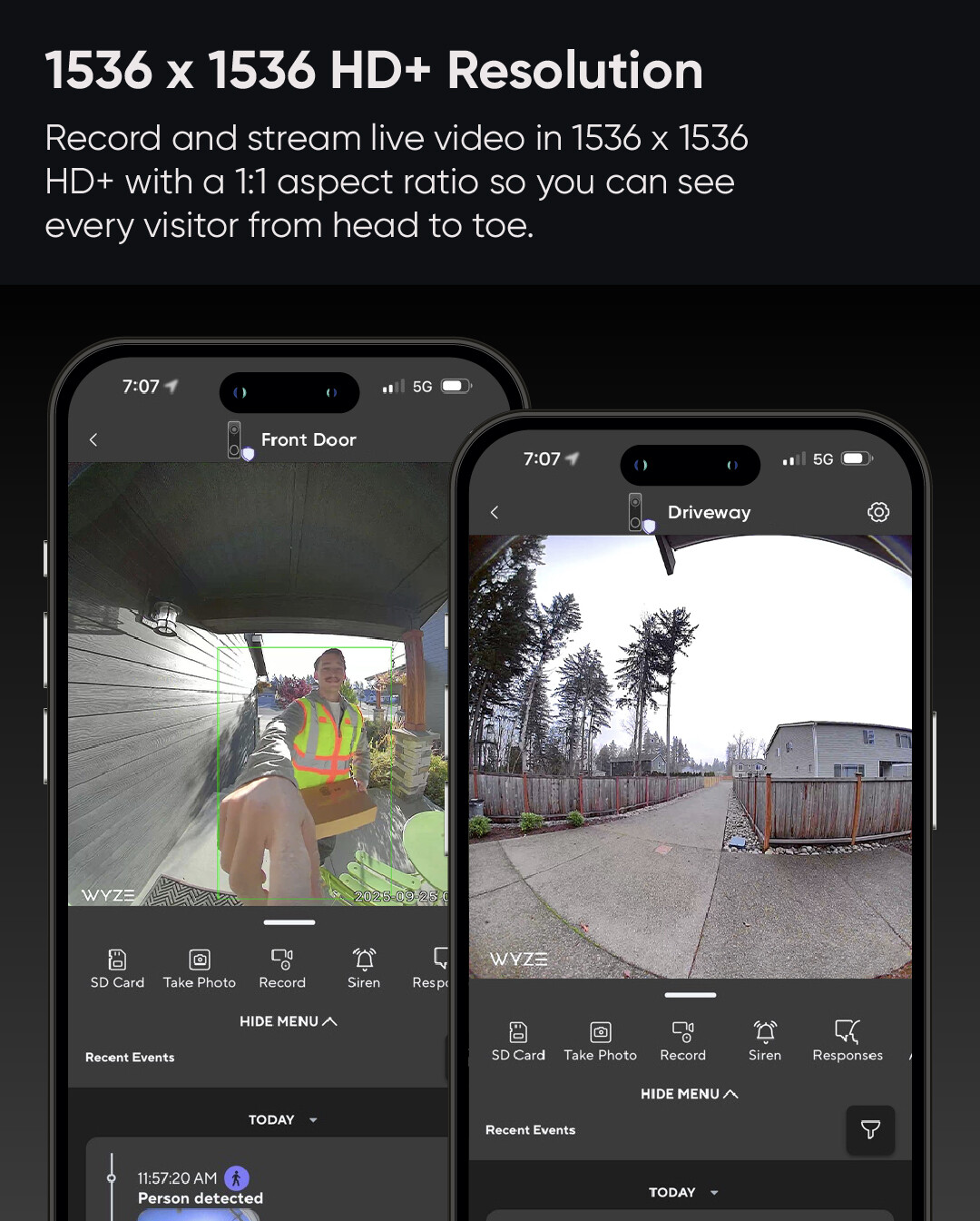
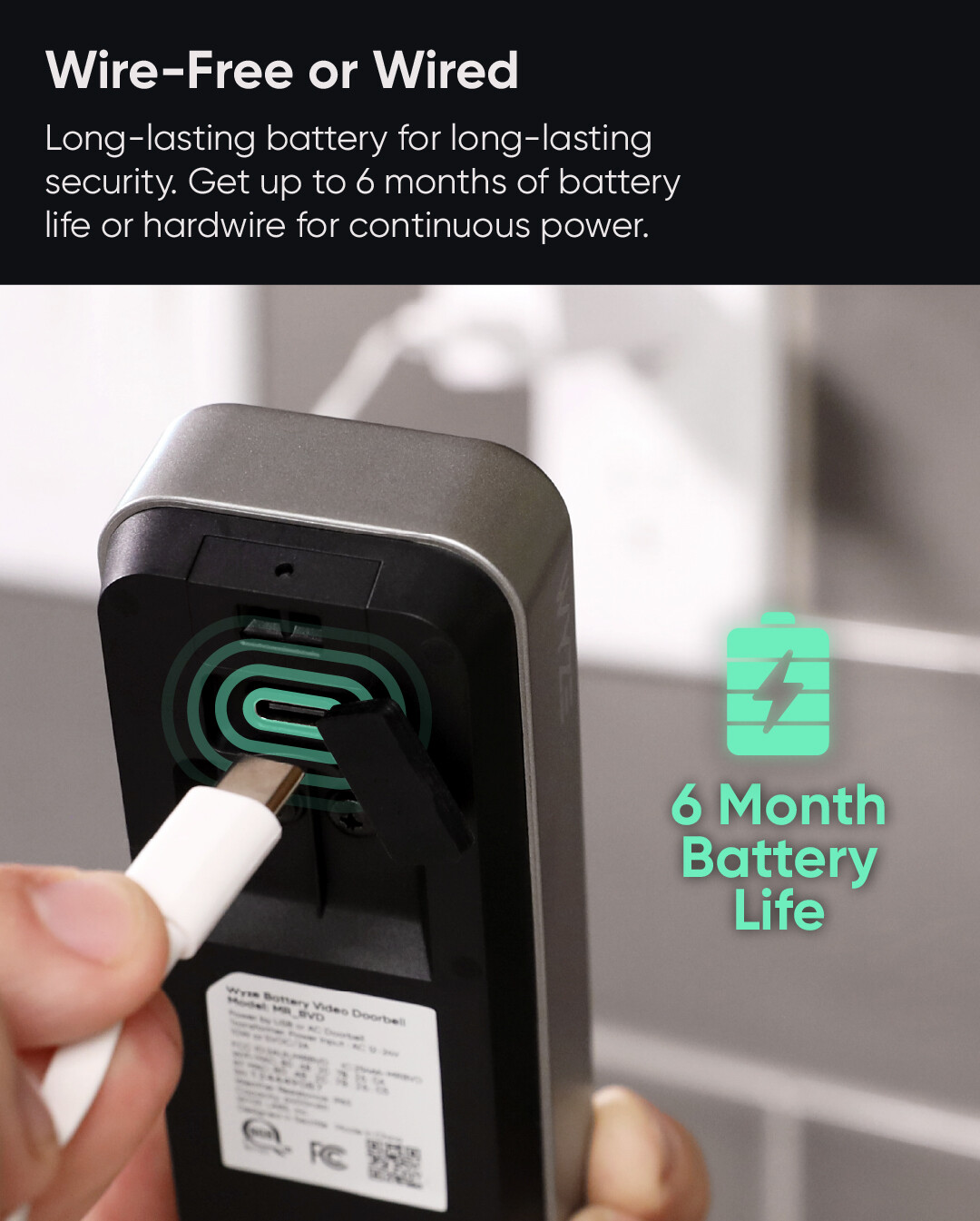
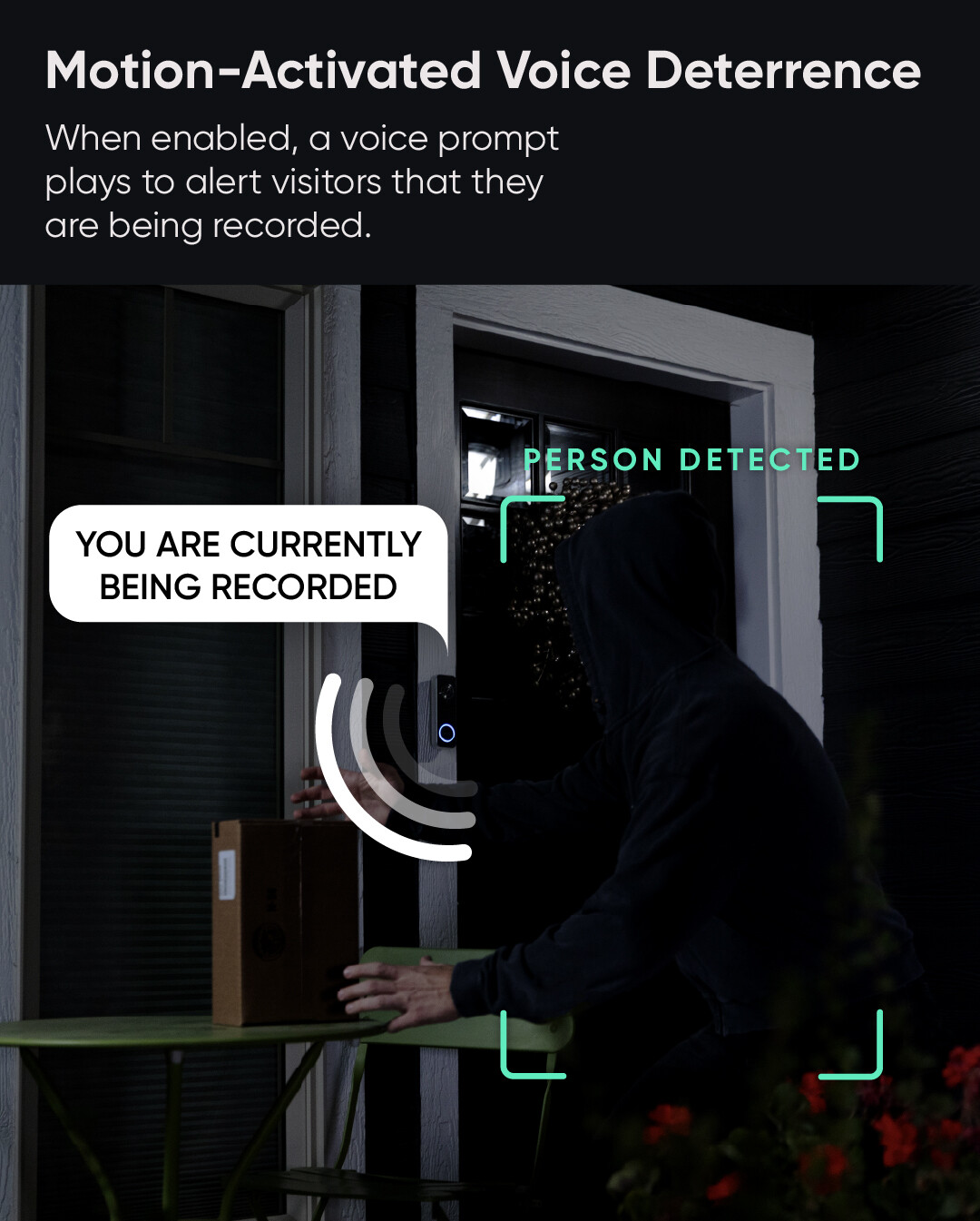
Experience effortless front porch protection, no matter where you are. Easily install it wired or wire-free and view it all from anywhere in crystal-clear HD+ resolution.
Ask any questions about it in our Reddit AMA with the Product Manager
Also, it’s the last day to enter our contest to win a prize pack containing a Wyze Battery Video Doorbell. There will be one given away in each community.
Well I broke my own rule not to update fw until reading changes and early adopter reviews. I am paying the price. FW 1.0.0.1818 (think that’s the version) broke my battery video db - refuses to complete setup. Initially says connected, flashes blue, then immediately says connection timed out and light turns red repeating ready to connect a few times before shutting down. So far support is zero help, so now I got one more Wyze paperweight!
What happens if you take it closer to your Wi-Fi source, hit the SETUP button, and try the “add device” process again? Even if you’re trying to use Battery Video Doorbell in a wired configuration, an advantage of the on-board battery is that you can disconnect it and still have juice for taking it portable so you can at least attempt to get it back onto your network. I’ve had to do this with some other Wyze devices, too.
I’m normally 10 ft max from the router. Tried on battery only, on wired, tried beta app on iPhone, retail app on iPad, turned off 5ghz, I’ve tried each way at least 2-3 times, plus cleared app cache. Every times it’s the same says, connected WiFi, light turns blue then immediately says network connection timed out while light returns to red slowly flashing saying ready to connect, but at this point it refuses to connect and the message to send a log has a continue button which always fails so I cannot send a device log. Support has been pretty silent as well, they do not seem to understand a device log is impossible to send. I sent screen shots and an app log but zero reply since.
I don’t have any recent iOS experience, but your description is frustrating to read, so I feel for you there. I have had those kinds of log submission failures on Android while trying to do an “add device” process and having connection/setup failures, including just recently with a Cam OG. For me, just moving the Cam and phone a few feet closer to my Wi-Fi gateway got me over the hump in that situation, and then once I got to the screen where the app wanted me to name the camera, I just aborted (swiped closed to exit the app). When I re-launched the app, that Cam was available with the same name I’d assigned when I set it up previously.
I don’t know if any of that helps with your Battery Video Doorbell issue, but I’ve had offline issues with a battery-powered (not wired) Battery Video Doorbell, and taking it inside next to the gateway in order to try to re-establish the Wi-Fi connection has been successful for me so far. Not only that, I use that as an opportunity to recharge the doorbell (plugging it into the gateway’s USB port).
Hard to get any closer than sitting inside the wiring closet with the router - I’m not trying to install in place. On batter which is fully charged, I’m sitting right next to the closet. When wired, I’m using a transformer with a plug so I can power from nearby wall outlet. It’s absurd, that it says connected to WiFi and then 1 sec later says connection timed out. If there is a WiFi problem, it’s got to be the db hardware.
I’m now going on 2 weeks with support with nothing but silence for nearly a week now - in case anyone cares, Wyze Ticket 4599986. However, it has become abundantly obvious now this Wyze has completely failed to live up to the core values they espoused back in 2019 when I got my first v2 cam that had a swivel base problem. Showed support an image of the. Issue and a new cam was in my hands by the. End of the week, no hoops to jump through, just support that actually cared. Today, support is abysmal and those who say you get what you pay for with Wyze so don’t complain, if you want quality you need to pay for a company that still cares about their brand. It’s pretty sad that I’ve had better support for a $3 WiFi relay switch on AliExpress than this episode with Wyze.
I’m not sure why that reply was directed at me, as I don’t work for Wyze. Perhaps @WyzeJasonJ can look into your ticket number.
2025-11-11T07:14:05Z Edit: When I rebooted the wireless access point (WAP) nearest my Battery Video Doorbell yesterday evening and then shortly afterward saw that the camera was offline, I re-initiated setup (started the “add device” process in the app and pressed the SETUP button on the back of the device), and that failed to reconnect the device to my Wi-Fi. I then went into the WAP’s settings and changed the security setting on the 2.4 GHz band from “WPA2/WPA3-Personal” to “WPA/WPA2-Personal” and tried adding the device again, and I was able to get Battery Video Doorbell back online that way. When I subsequently changed the security setting back to “WPA2/WPA3-Personal”, that knocked the device offline again; it re-established its Wi-Fi connection when I once again changed that setting to “WPA/WPA2-Personal”. You could look at trying something like that or otherwise poking around in your router’s settings to see what you can tweak.
If my recollection is correct, I believe I’ve read about similar situations with some networking equipment (routers, WAPs) having problematic WPA3 implementations that have affected the ability of Cam v4 and other devices to connect. I don’t know why Battery Video Doorbell decided to be cranky about it on this particular occasion, but turning off WPA3 seems to have solved this most recent connectivity problem, at least for now. I’ll keep an eye on that.
Update: good news, support finally agreed to replace the bricked db, which I will return for inspection and hopefully they will learn something to avoid same from happening again. Bad news is it took 3 wks to get to this point and regular prods via email continuing to inform about repeated efforts that continued to fail. Not quite the under 1 week turnaround I had on my original v2 cam. But at least they did right in the end.
New Wyze Battery Video Doorbell
All was working fine since Oct 24, then Thur Dec 4 7:30 pm all event recordings stopped.
Integration stopped with Alexa as well, no more notifications that someone is at the door.
Reset services
Rebooted doorbell
Turned off event recording and turned back on.
24/7 recording to SD card still working, but still no events recording.
I looked at the FW, and noticed it was set to Auto Update, which I have now turned off.
FW version now is 1.0.0.1939
Log submitted 2110679
Removing it from my account and re-adding it, it now shows doorbell events, and integrates the doorbell chime with Alexa, but it doesn’t announce “There is someone at your Wyze Video Doorbell” as it used to.
But it still does not record person or package detection events.
I am no longer receiving person detection notifications from Alexa as well, and just made a separate post about this. I’m using a time based routine that has been working for almost 5 years now…completely stopped working on Dec 9th.