Is it possible that Wyze has written into a software update, to not accept SD cards, on V2 cams, in a effort to sell more or newer cams, I’ve tried 3 different cards, in 2 different V2 cams, and keep getting messages, that the card is unsupported. Even with a Wyze SD card? Wouldn’t surprise me if they did, especially after cutting out the 12 second videos, and showing a photo of the notification event now, to get folks to upgrade to Cam Plus.
You’re all over the place.
No they have not intentionally disabled the SD slot, but your cam may be damaged or the chip that handles the SD card may be dead. Those are old cams. Have you tried a brand new fresh card?
If you go to the live view, then tap the sd card icon there, can you view the recorded video? Some cams are having an issue right now loading the SD video from notification or events tab, so that might be what you’re seeing.
They have not gotten rid of the 12 second videos, if you have Cam Plus Lite you still have them on those cams. You may just need to confirm they’re associated with your subscription.
As I stated, I’ve tried 3 different cards, in two separate V2 cameras, with one even being a Wyze SD card. None will even format.
And the 12 second vids used to be able to play, directly from the notification, and not having to click on the SD card button first. I’m sure they’re capable of changing anything the cam does or doesn’t do, simply by writing it into and updated.
But of course, not they want a person to upgrade to Cam Plus, as it’s more money for them. That’s why the ads for it keep popping up.
Yes, I asked if any of those cards were new, fresh, known good cards. Try formatting one in a computer using the formatter from sdcard.org and see if that helps.
The 12 second videos never came from the SD card, they came from the free Cam Plus Lite (cloud videos). If you had that, you still have it. Your cameras may have just become disconnected from it, you can go into your subscription and re-associate them. You won’t get the ads if you re-associate the cams with that service.
Of course Wyze wants you to upgrade to paid Cam Plus. But they are not forcing it, nor are they intentionally hobbling cams to get you to.
What’s the exact error message? It could be caused by several things, among them, actual software bugs, or a misunderstanding of the user interface.
I have a pile of V2 cameras in service. A couple have had the SD card slot fail, but the rest are working fine. No definite cause on the failures, but a coupe have failed. They’re old…
I have also have a pile of Cam v2s in service. They serve as repurposed outdoor IR blasters and attic cams. Some have old Wyze 32GB cards, some with Samsung High Endurance 32GB cards, some on Cam Plus Lite, some with no subscription at all. Some running for 5 years, some longer than that. No issues at all with SD recording and playback.

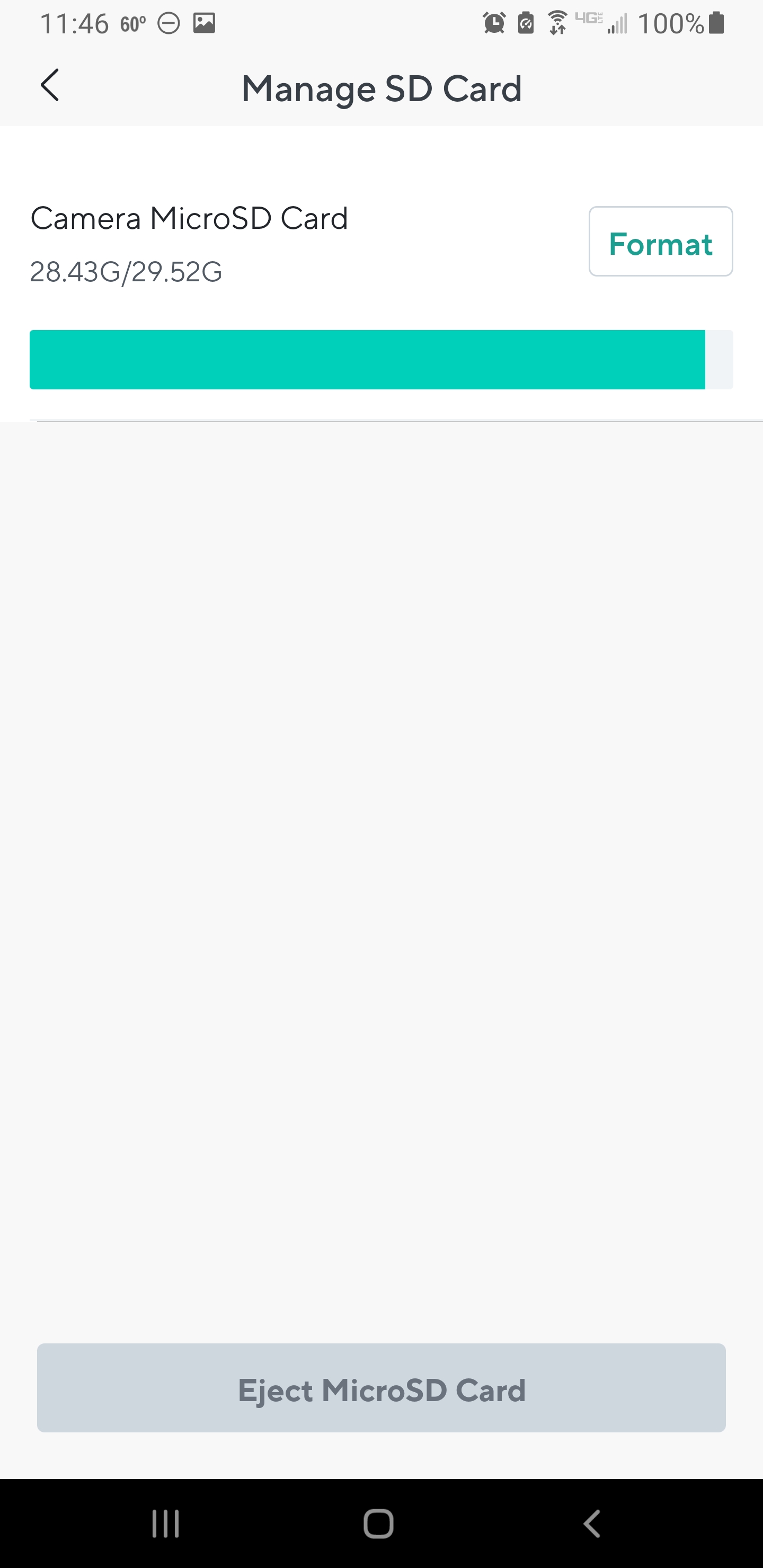
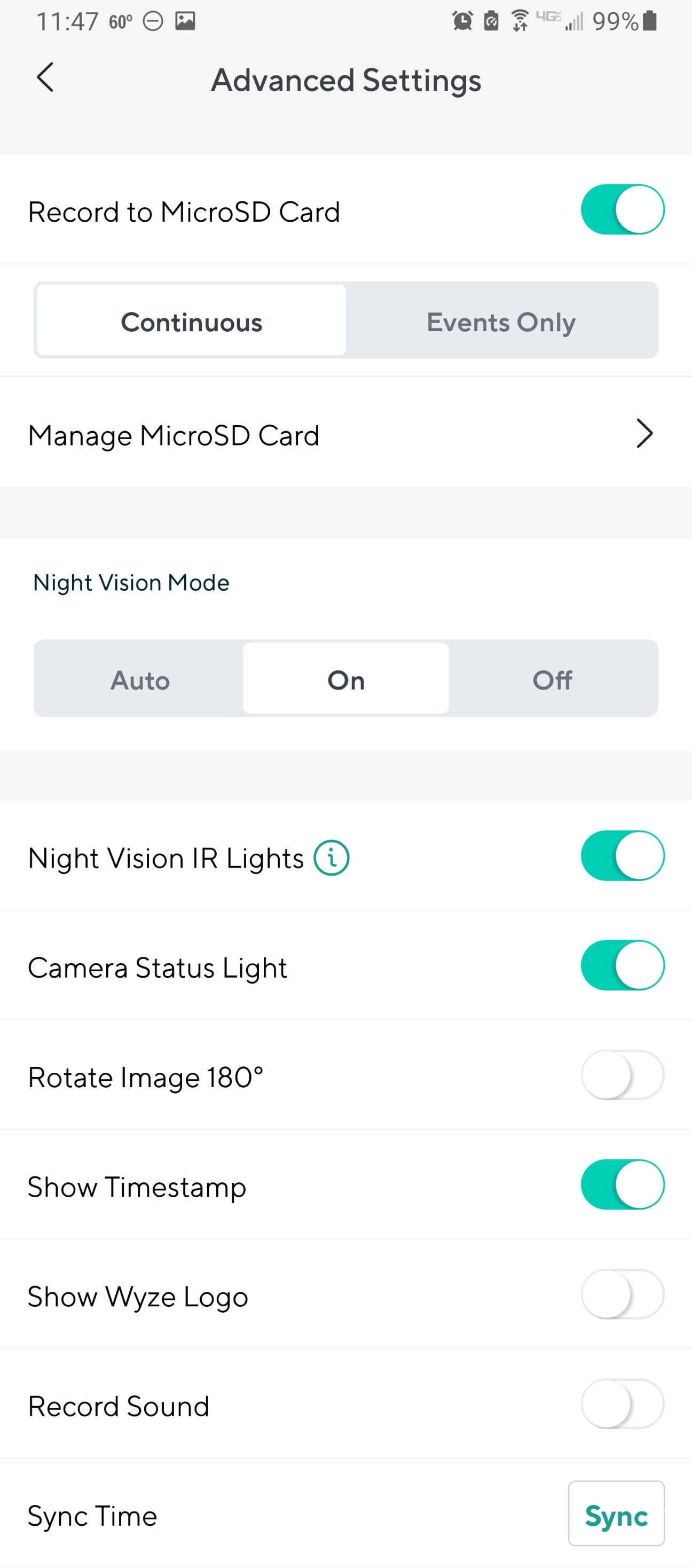
You can even set them up via the app, verify proper setup and SD recording, delete from app and they’ll keep chugging along blasting IR and recording to SD even with no Internet. They’ll even reset to former state and chug along with no account after a power outage.

I’m aware that this bug is still around. I had it with a pan V3, but that particular bug was fixed a long time ago.
Good point.  I don’t view events from my v2 cams.
Yes, fixed on all but one of my v3 cameras on firmware version 4.36.14.3497.
Yeah I see that on a couple models of cam. They fixed it on the Panv3 but then broke it on others. But as you say going via the SD card interface from live view works fine.
I think I mentioned that earlier in the thread as possibly what OP is seeing, but I forget.
I want to say I am not really complaining about the SD Card Not Found bug, just stating it is still affecting one of my v3 cameras. The v3 with the bug is inside my garage. I mainly use it to make sure my garage door stays shut, I so I rarely check the SD card.
Even with this bug, the v3 works well enough to meet my needs. Still wondering if this is the error the OP is seeing.
No, the message says “unsupported SD card”, not SD card not found.
As I posted, I tried using 3 different sd cards, on 2 different V2 cams, and getting the same result. Sandisk, Wyze, off brand. Didn’t matter. Coincidence, fluke? I dunno.
Have you tried formatting those SD cards on a PC/mac? Looked for hidden partitions?
If you’ve tried the sdcard.org formatter in a PC and multiple cards still aren’t recognized, your SD slot is probably dead. If they’re outdoors, moisture can eventually corrode the terminals, or the chip itself can die with heat over time.
You can try using a card you don’t really care about (it will probably be fine but could get damaged) spray a little electrical contact cleaner (CRC etc) down into the slot, insert and remove the SD card like 10 times, let it sit 10 mins, insert and remove 10 times again. Then blow out what you can with compressed air and let it dry. Sometimes that will bring an SD slot back to life.
All else fails, good excuse to get some OGs or v4s. Both cheap cams and are much better. Though they won’t work with Cam Plus Lite if you want that (personally I’m fine with just the SD cards). With black friday comnig up probably will be good deals on both. Last year the OG came down to $10 at home depot and the v4 was like $17.50 each at microcenter or $35 in a 2 pack at Costco.
That sd scan site is all Chinese. No thanks.
What in the world are you talking about? The SD Card Association sets the standards for every SD card, and the formatter will restore any SD card back to proper “fresh” spec. There is nothing chinese on the site.
It is the gold standard for formatting SD cards (and thumb drives since most of them are just an SD card in a USB reader).
Tin foil sombrero 
I don’t see any Chinese 