Why is my camera with Wyze cam plus only storing three days back. That’s the limit of the SD card I have in it, not getting the 14 days cloud storage I paid for. Subscription renewed just two days ago, so it’s current. I’ve restarted the camera to no avail. I’ve double checked camera management, it’s the one selected. Wtf. Used to be more seamless operation in the past. I’ve been using these cams since pre COVID. Thanks for any help.
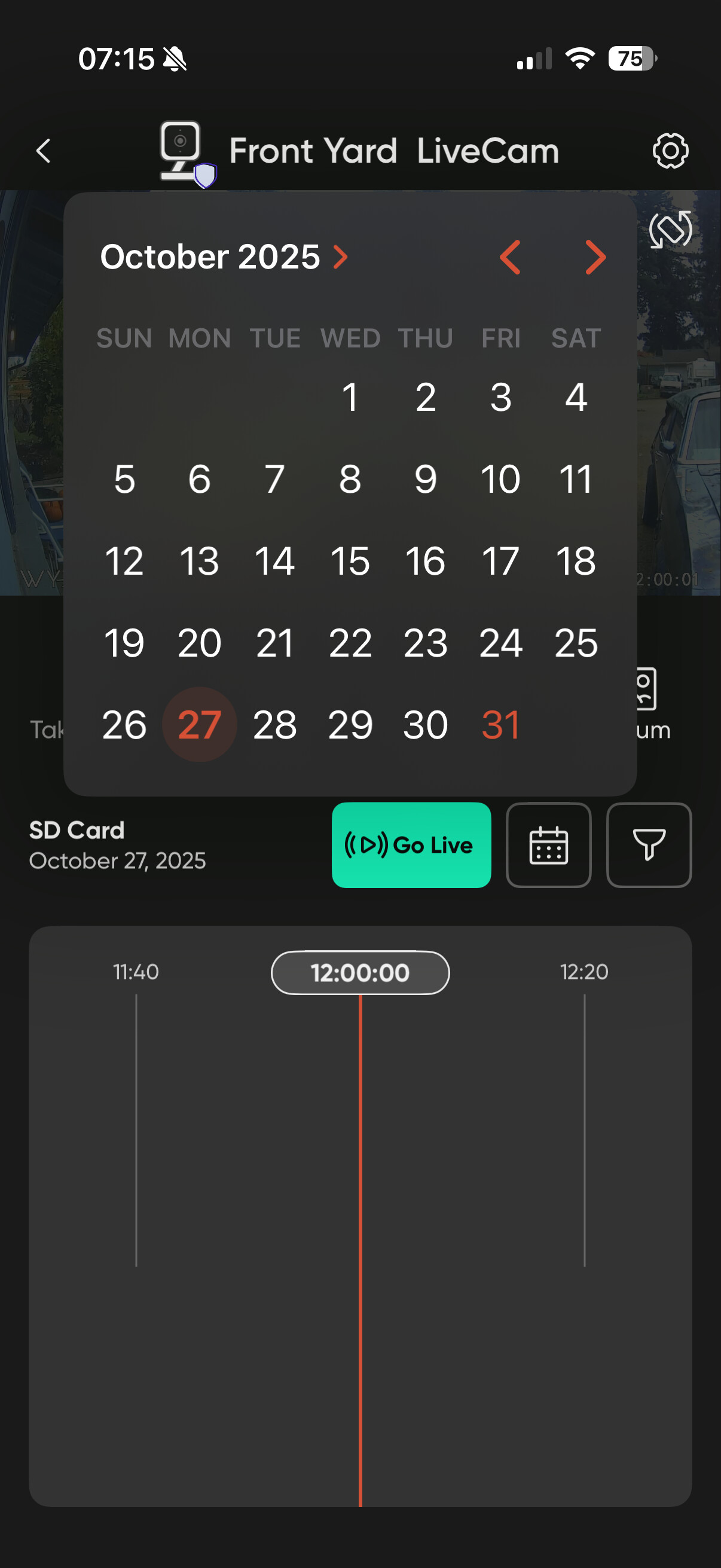
You are viewing the events on your SD card, not cloud storage.
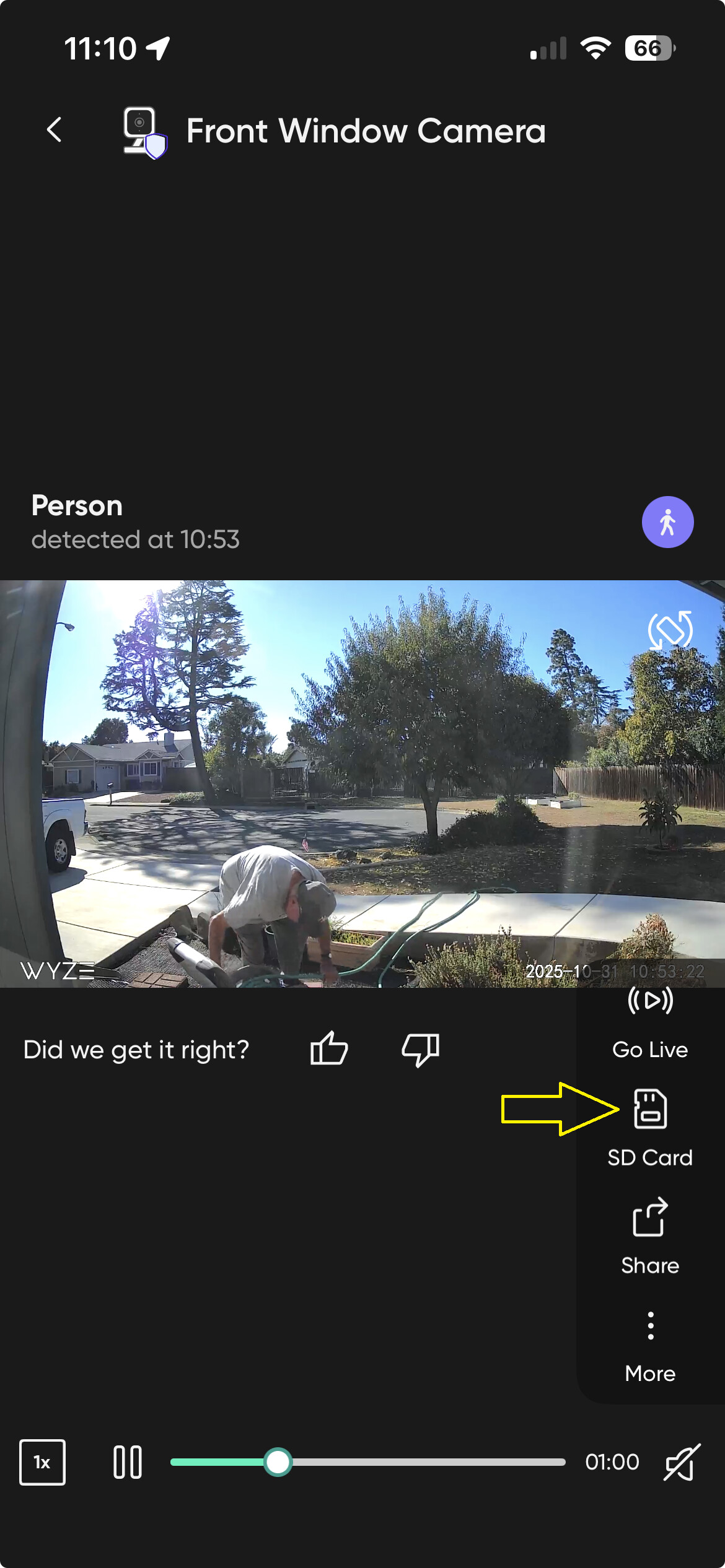
Tap the “Go Live” button.
If you are only getting 3 days of SD card recording, it sounds like you have a very small SD card in the camera. I get about a week of continuous recording with 64GB cards.
I get about 3.5 days of Continuous Recording on 32GB SD cards. I am thinking the OP has 32GB cards too.
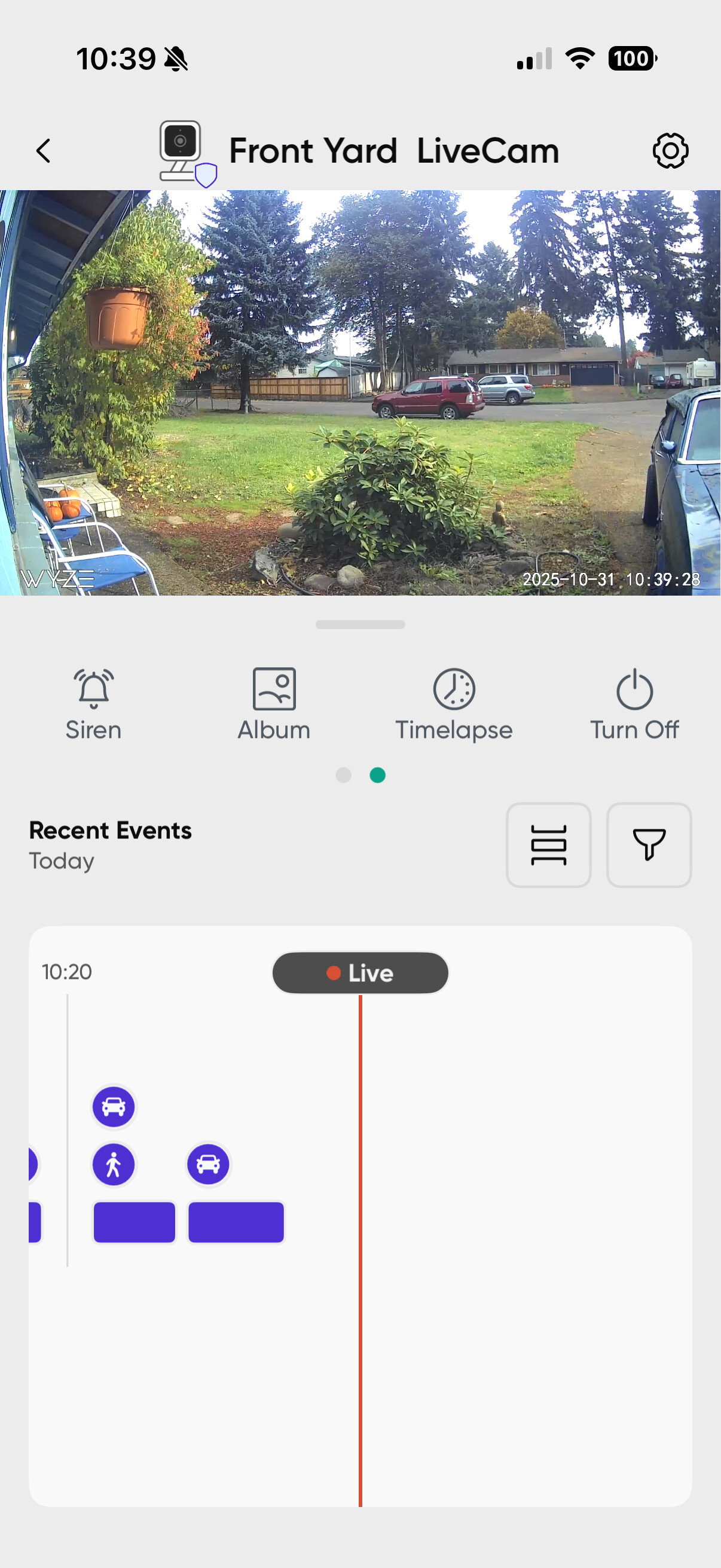

Cam Plus stores 14 days of events in the cloud. This is not what is stored on your SD card. If you see “Recent Events”, you are either looking at the current live view, or past events stored in the cloud. Place one fingertip in that lower section and swipe right to see earlier cloud footage.

If you see “SD Card”, you are looking at what is stored on your SD card. In this example of yours, you have no recorded footage on your SD card at your specified datetime:


Ok. So now does it only store “events” 14 days back? Sometimes I need to the more than just the few seconds of event recording. Is there a setting I’m missing to record entire stream? Thanks a bunch.
Cloud recording is events only, has never been continuous. SD card is required for continuous recording.
It will record to the cloud for as long as motion continues, so in theory if something is moving for an hour, you’ll get 20x 5 minute clips in the cloud covering a continuous hour (5 minutes is the limit of a single clip.
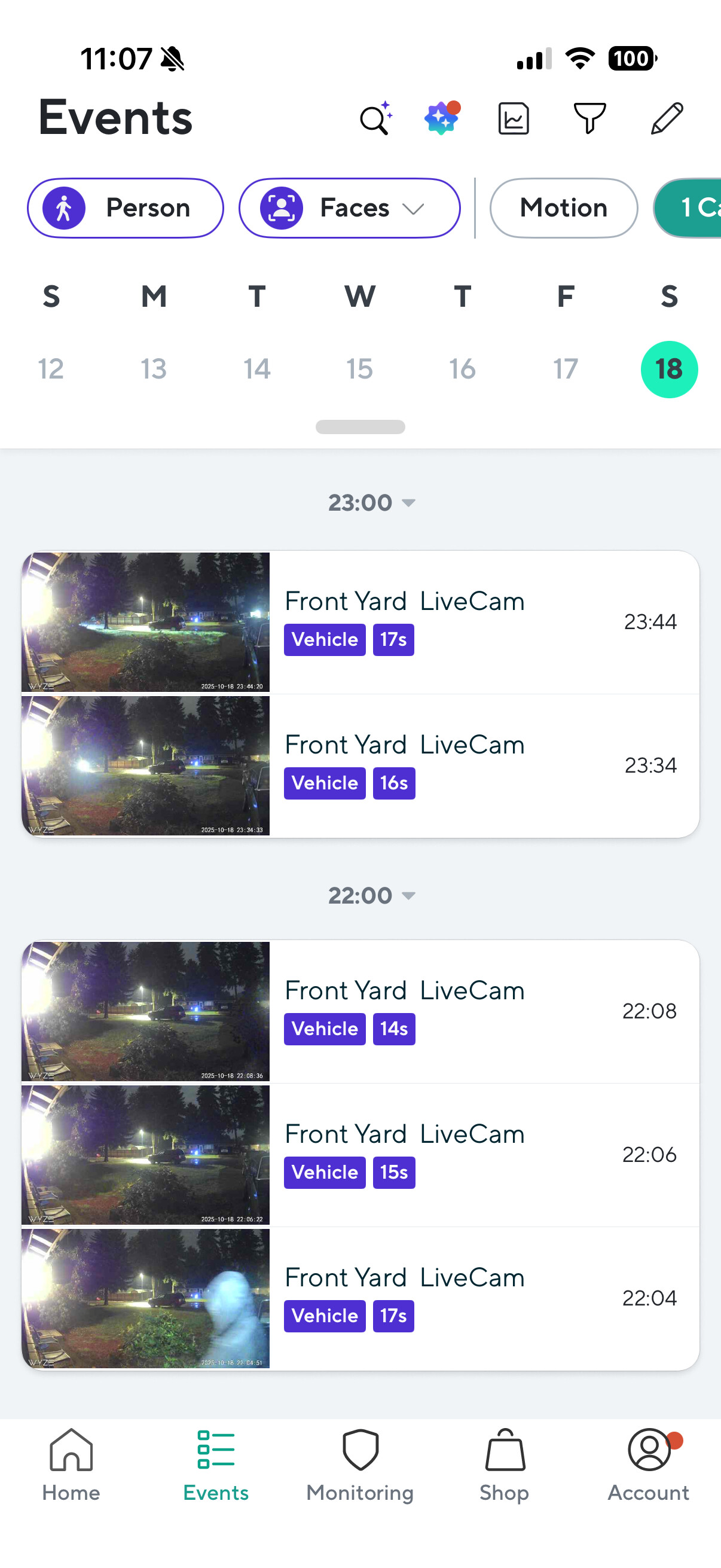
Yes, Cam Plus only stores the most recent 14 days of events in the cloud.
If you need a continuous recording, that is the purpose of the SD card. But you’ll need to make sure your cam is set to “Continuous” vs “Events Only”. Also, the size (and type) of your card is directly proportional to the number of days you can record. I use 128GB and 256GB cards so I can record 1/2 to a whole month’s worth of footage.
What model of cam do you have? Cam v3?
And what size, brand, model of SD card do you have installed? Wyze 32GB?
Wyze Cam V3, 32gb microsd. Probably a Lexar. Brand shouldn’t matter there. Pretty sure their camplus use to keep the entire 14 days in the cloud, not just events. I used to be able to review at least the entire prior week of anything fishy was happening. It is set for “continuous”.
A 32GB card holds only ~2.5 days of continuous SD footage on a Cam v3.
Cam Plus and it’s predecessors have only stored 14 days of events in the cloud, not continuous recordings. It’s been that way since day 1.
Your setting for “continuous” affects SD card recordings only. That setting is not related to Cam Plus recordings.
If you are attempting to retrieve footage from October 18, 2025, you won’t find it on your SD card. Your card is too small. You will find only the most recent 2.x days.
If you are attempting to retrieve footage from October 18, 2025 from a Cam Plus cloud event, and it is “cut off”, you have no ability to retrieve what didn’t get recorded.
Here is a good discussion on SD card sizes and the number of Continuous Recording days that you can expect to save on various sizes.
When my 32GB SD cards begin to die, I plan on replacing them with 256GB cards.
All SD cards in use will eventually die, when is the only question. My oldest SanDisk High Endurance 32GB has been recording continuously for 3.5 years.
It varies a bit depending on how much motion there is and the complexity of the image, but below are what I’m getting
All of these cams have 128GB Sandisk High Endurance in them, set to continuous:
-Panv3 with lots of movement, constantly tracking cars and people - Bit over 11 days history right now
-Panv3 with much less REAL movement, goes into night mode at night (which takes less space) but when in night mode it tracks a lot of bugs, rain, etc. So in the long run probably the same or more motion. Also a bit over 11 days.
-v4 - not much motion at all, never goes into night mode - almost 9 days (guess the higher res does take more space after all, despite seeming about the same when I had looked previously)
-OG TEL with LOTS of events - about 8.5 days, so actually less than the higher res v4 (and the Panv3 which probably has about the same number of events).
I no longer have any regular OGs with continuous recording, but I suspect they’d be in the same range. So if you definitely want 2 weeks, go for 256.
Interestingly the new timeline does show events tagged on the timeline going back 2 weeks even when there is no video, but I’m guessing that’s based on the fact that the cloud stores those still images that long. So I guess you always have 2 weeks of still frames no matter what.
The price for the cards I have (Samsung Pro Endurance 256GB) has gone nuts on Amazon asking $45-$59. I could get them direct from Samsung or walk into Best Buy and get them for $29.99 now. When I purchased my cards a year or two ago were much a lot cheaper.