so xfinity (Comcast) gave me a new router that does not use 2.4 ghz, it uses 5.0 ghz. Unless Wyze comes up with a way to convert to 5.0, they are going to become obsolete very quickly….
1 Like
Welcome to the Forum, @geisers! 
What equipment do you have? I wonder if there’s a misunderstanding about the capabilities of your gateway, as those listed on Xfinity’s site appear to indicate support for both 2.4 GHz and 5 GHz bands. Since Wi-Fi standards tend to have backward compatibility to some degree or another, a 5-GHz-only residential gateway would seem like an unusual animal, if it exists at all.
3 Likes
Well I was gonna chime in here but my buddy @Crease Already knocked it out of the park. With backwards compatibility and with the majority of devices still get to upgrade all of their radios to 5GIGAHERTZ, the majority of devices still operate or have the ability to operate on the 2.4 gigahertz bandwidth. And as such, unless you have upgraded to the absolute newest newest which most Isps don’t do, you should have every available option to control every device that Wyze makes. If you could provide us information about the upgraded model hardeware that you are using we might be able to help you out a little bit more.
1 Like
2.4ghz is not going anywhere, I guarantee your new gateway supports it.
2 Likes
These posts (above) always make me think of that little old lady on Saturday Night Live. You know where. She ranted and ranted and someone beside her said, “no, that’s not true” (or something). Then she said, “Nevermind”. Meaning its not worth the time to put up and explanation or argument when someone is so convinced of something that simply is impossible. They didn’t do their homework, what they say is not accurate, and it simply doesn’t make sense. So, we should simply say “go look again”. ya know?
2 Likes
I’d rather go back to those days, these days people are convinced they’re right and will not accept any facts or reason. I’d like to get a “never mind” - at least it was a form of acknowledgement.
In fairness, I guess we have the internet and social media to blame. Maybe add in a dash of ultra divisive politics (and thus society) for a couple decades, and here we are.
Fact of the matter is, both AX and BE wifi made improvements to 2.4ghz, so not only is it not going away, it is getting better.
My favorite is still the old ladies in the geico commercial literally posting pictures on the wall in their house. “That’s not how this works”.
1 Like
Besides, there are advantages to using 2.4ghz for devices that don’t require the bandwidth of 5ghz. The 2.4ghz band penetrates walls better and typically has a longer range.
1 Like
Do you have an Xfinity XB8? If so this post from the Xfinity forum may help.
“ 1) on a connected device go to the gateway homepage. Default may be
-
login for the first time with default admin and password
-
change password
-
Click on connection —> WiFi
-
Edit WiFi 6 → click disable → save settings
-
edit WiFi 5GHZ → click disable —> save settings
-
connect 2.4 GHZ IoT as usual.‘
See the last post on this link.
BTW, I had an Xfinity XB7 gateway and switched to my own equipment (Arris S33 modem and Asus GT-BE 98Pro WiFi router). I am a lot happier with my own equipment.
1 Like
Her name was Roseanne Rosanna Danna played by Gilda Radner. Such a great character. 
1 Like

Every now and then to go look again does work though. It was many years ago now when the smart devices weren’t as prevalent, I had a couple of cameras as I was building up my numbers I don’t believe I was a part of this team yet but I was on the forums and I didn’t know about connection limits with routers. Never thought I would have more than you know 20 devices connected at a time. That would just kind of crazy. And then here comes along a $20 Smart home camera. Between that and a credit card I got in some trouble and had a lot of connection issues. Turns out my router I have the time had a 30 connection limit and despite all the troubleshooting that Loki and others help me with we couldn’t figure it out. After quite a bit of time lo and behold I figured it out that it was the router and a simple upgrade was all I needed. It’s one of the things that I look for now and helping people but every now and then. It’s one of those simple things you can overlook. It doesn’t hurt to go back over things numerous times
2 Likes
Yeah, I agree. The device limit on routers is likely a big part of most people’s issues. Funny too, if they simply replaced their (my guess on average) 10 year old router, they would solve this problem without ever knowing they actually had the problem.
One of the coolest tools and for free to assist with checking your count is “Fing”. (By the way, if you try it, run it a couple of times to make sure it finds everything.
2 Likes
thank you for the tip, that is one I had not heard of, ill be trying to today  i always love a new toy lol
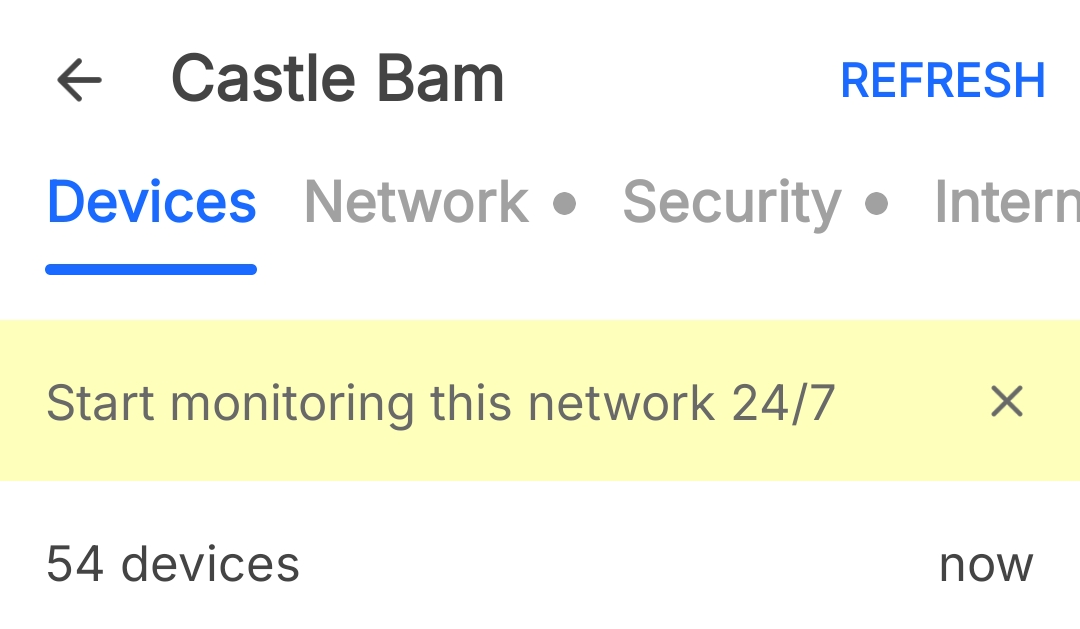
Oh wow you weren’t joking about running it a few times. I know I have over 70 connections on my network and in my first reading I got this. Is it being part of the team I’m on isn’t enough to signify my nerd status I know I have more than 50 devices LOL

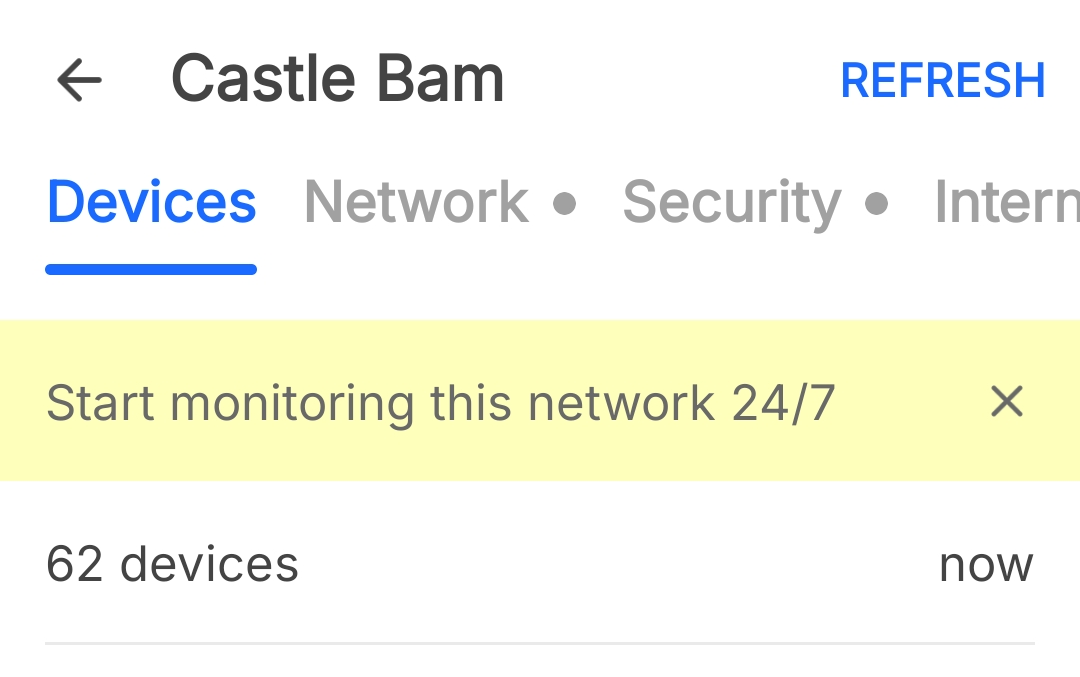
Upon running it again and refreshing
And upon a third time at which point I got a warning about having to have an account and such
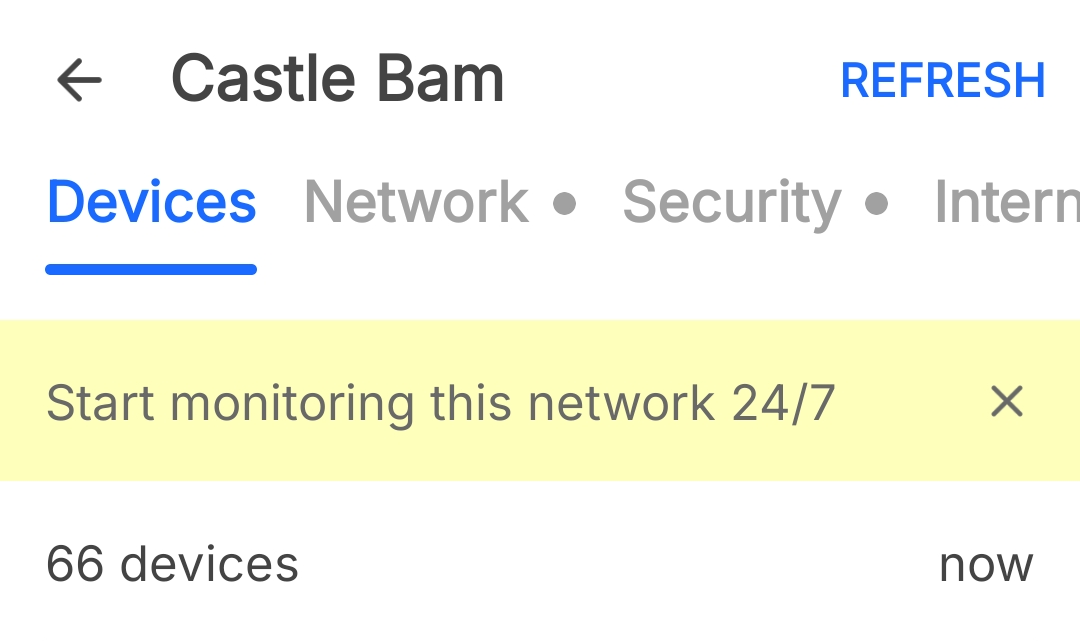
One of the first ones on the strip I’m not the most technically savvy and I know at least with the maven team we all rely on each other strengths to build the team, but you seem to have knowledge working with this particular item, how on Earth would it not get all of them in the first scan? I’m going to run a little program on my phone to kind of tweak the APK and see what I can’t find but so many questions here.
Obviously you’ve turned me on to something new and on top of having knowledge I didn’t have your name gives you instant credibility, at least 50% of it
For verification from my Wyze router which I have actually tested and shows the right amount of devices LOL, at least a couple more

2 Likes
I’ve not seen a published explanation from the developer. But I think its hints to us our believe that some of our IoT devices are in a sleep status. And they are not “at the ready” to awake up. So Fing has to send a signal to wake them, then Fing doesn’t wait to get a reply or the device is too slow to wake and reply for Fing to recognize it.
In my old job, we had to be able to literally put our hands on anything on the network in a ~minute. So, we became big on naming conventions that hinted where they are. That stuck with me. Now, even at home, I want to name stuff. In Fing, we can give it a name, but its not stored anywhere. We can lose it and have to start over. (They might have a paid subscription) that allows that, but I ain’t giving them my money. Point is be aware to avoid frustration later.
1 Like
The challenge with stuff like fing is that devices often don’t respond to the first ping, especially wifi devices that go into low power mode, and it just sends a single one. A good home router (Ubiquiti, Mikrotik, and even the old Asus I have) actually monitor ARP activity and keep your device list that way, which is much more reliable. Really anything that can broadcast an ARP out will typically get a response after a short period, even from devices in low power mode.
Then of course there are devices that block ping all together but they will still ARP.
I haven’t used anything like fing in a long time but they really should design it to do an ARP broadcast first, then wait a few seconds, and do the ping scan, as that will wake all the devices. Or perhaps just have it do a couple scans spaced apart by a few seconds.
2 Likes
When I started using Fing (maybe a dozen years ago or so), they also offered a free Linux tool that had an option to just continually run on an interval. I think there was a command-line switch where you told it how many seconds to wait between scans. It was very simple (not nearly as complex as something like nmap) but slick and effective.
Even Wyze’s tool doesn’t do this. If you launch that and watch the home screen (the “Connected Network” tab) for several seconds, you’ll see the “Devices Connected” number fluctuate over time.
Yeah, that’s kind of annoying to spend the time naming your identified devices and selecting appropriate icons for them in Fing and then not have those settings preserved. I gave up trying to do that some time ago. I haven’t ever tried any of their subscriptions or the Fingbox (which doesn’t appear to be offered anymore).
2 Likes
They’re probably using ARP but who knows, would have to sniff it to confirm.
My old Asus router, originally they would just use the existing ARP table and DHCP leases to populate the list, but it wasn’t accurate, sleeping devices would not show up etc. So they started actively doing a “gratuitous ARP” any time you launch the client list. Watching it on a sniffer it would just ARP for every IP in the subnet, and the GUI would be real sluggish for a bit and CPUs would spike. People who set their subnet masks to something more than /24 would wonder why their router GUI was so slow.
Nobody really uses ping scans anymore, they’re just not reliable with many devices blocking ping or ignoring it if they’re in power save mode. I remember decades ago I used to love an app called WS_Ping Pro as it could do ping scans, port scans, lots of useful stuff, but not all that useful these days. Still have the installer somewhere, mostly just “in memoriam”.
Ah, Ipswitch. WS_FTP used to be my FTP client of choice, and at one job I had we used WhatsUp Gold for monitoring.
Yup used to use their FTP client also.
WhatsUp is still around, I occasionally hear the telltale sound when on a call with a client. And these are generally very large clients. Requisite ball busting follows.