Removing the Captcha on the website when trying to view firmware updates
Captcha problem
Being visually impaired I can not get by the captcha to read about the firmware updates. on the website. I’m not understanding why there needs to be a captcha there any way. I have encountered other simular captchas where you check the box that says I am a human or I am not a robot and they work fine. For whatever reason I can’t get by the one on the wyze page.
ticket ref: 983611]
I hope you all are well. I was asked to give you a screenshot. but
since I received my outdoor plus today I thought I would do you one
better. I made a recording of me setting up the Wyze outdoor plug.
Since this is how I use the app being totally blind. I know I’m just
one person.
I hope you will take a listen:
audio file
here is a link to the screenshot…
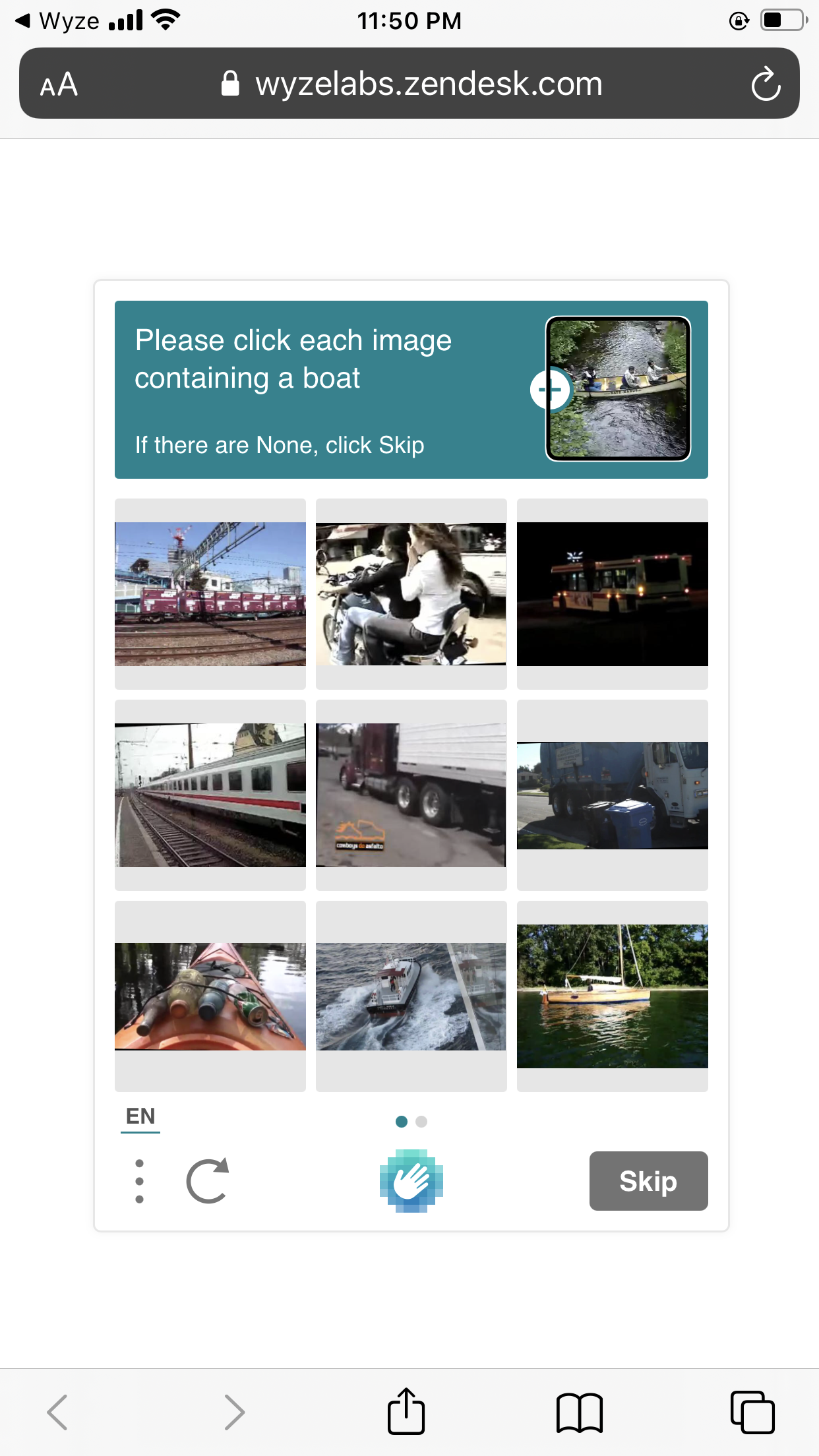
This was not a problem in the past. So why the change?
I was very happy with Wize, but now I’m researching other options with better accessibility.
[Mod Note]: Fixed audio file Dropbox URL.