I just downloaded & installed the app but I can’t see or change settings because the gear icon is missing. It’s the same on V4 & OG cams.
Can you post a screen shot?
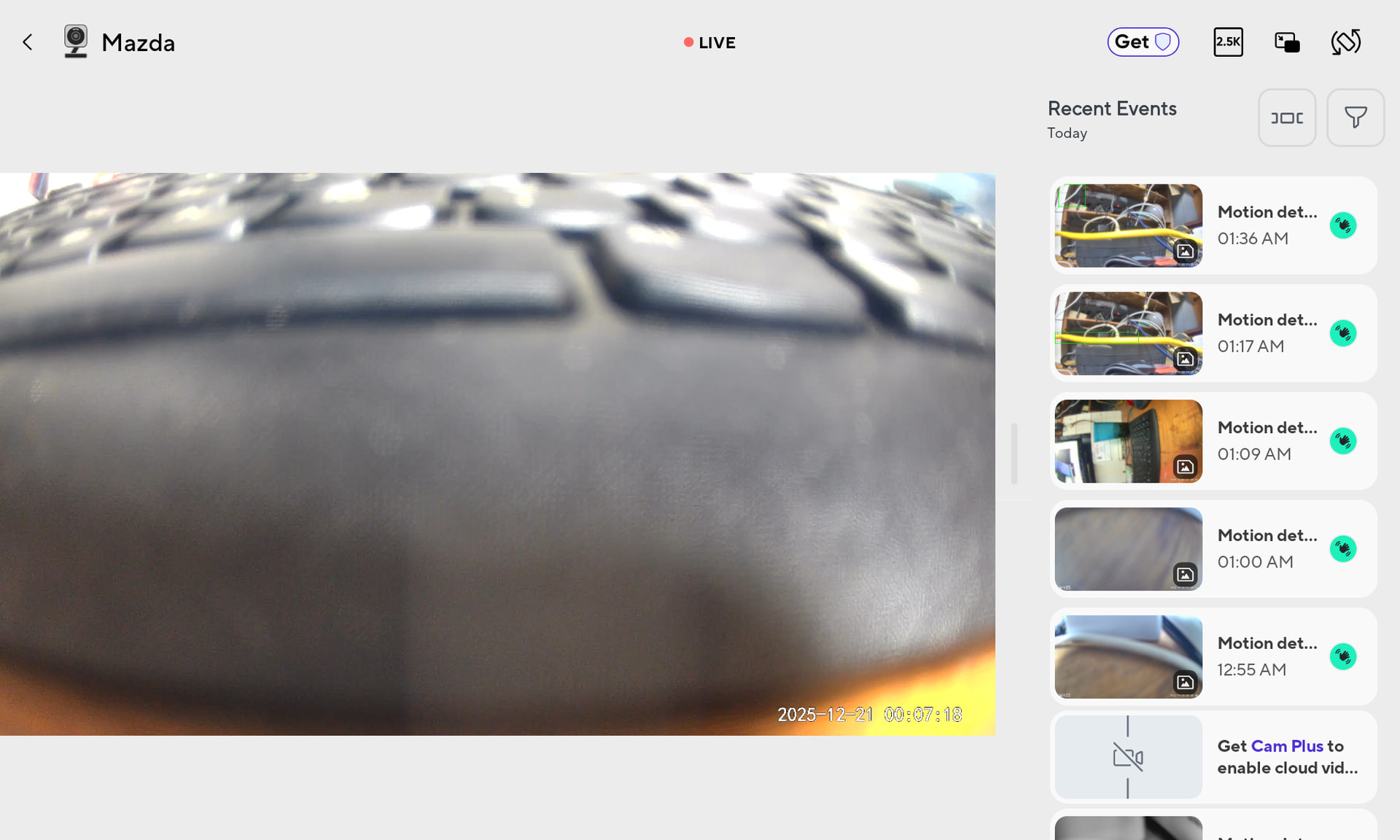
Hmmm, you are correct, it only happens in landscape mode on both my phone and iPad.
Try turning your viewing device 90 degrees.
Or tap the rotate-view icon, upper right corner. If you choose this option, you may have to work sideways.

1 Like
When I went to portrait view the icon was there but the screen was greyed out. I set the taskbar to autohide so I could skip the tutoriaL that was causing the grey screen then returned taskbar to normal. Problem solved! Thanks to all for the help.
2 Likes