Where are you finding “New” or “Unread” at all? On a PC web interface - not the phone app.
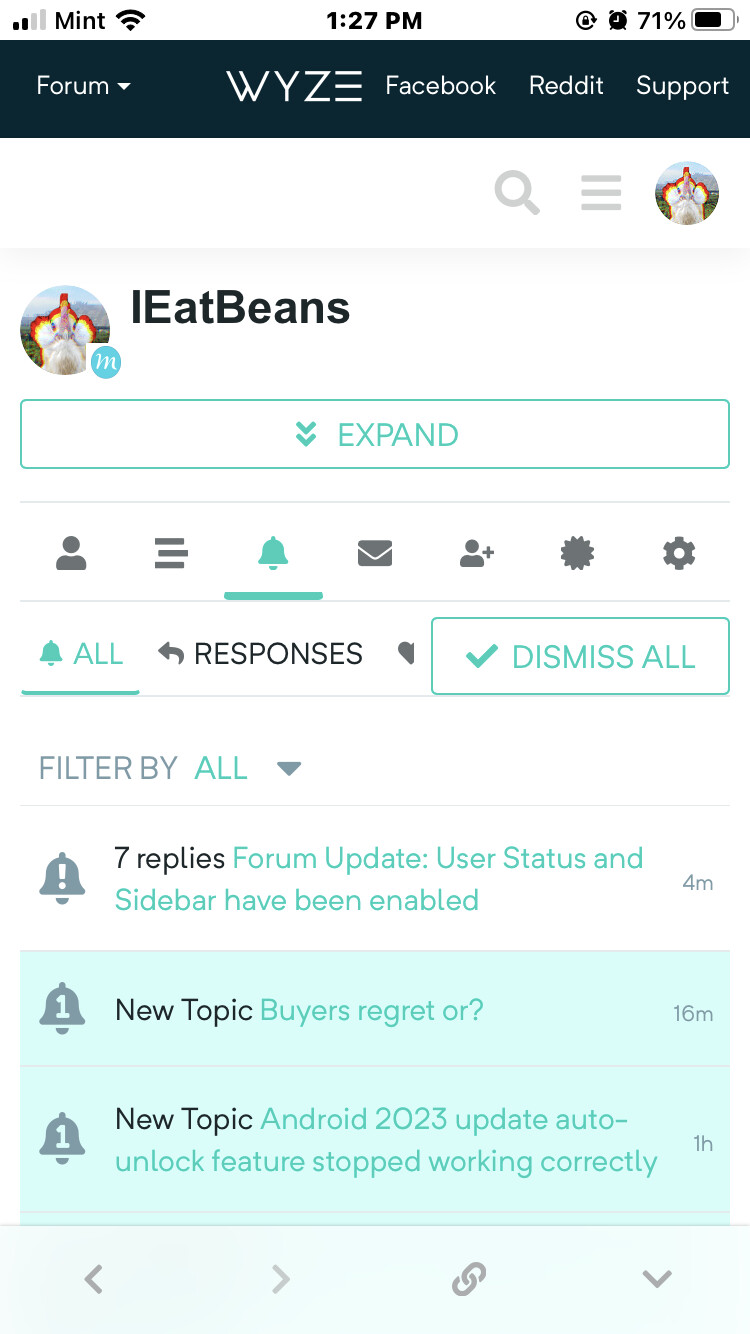
It is on the phone app. You have to modify the settings to see it. It shows the Unread by default first, then the new once those are cleared.
Click the hamburger menu, click one of the edit pencils in the sidebar, last setting in the page is for Navigation. Change that to:

Then it will show as a link with a post count next to the “Everything” in the menu.
If you click on “Everything” it will take you to the post list where you can then select what you want to see from the top left drop box.

That came with the new sidebar in the 3.0 upgrade. It’s the expanded view of the Avatar drop menu and allows for navigation across the top of the list instead of using the old drop-down menus. I actually like that that new functionality. Still reserving judgement on the Sidebar though.
1 Like
Well, I disagree. “New” was formerly 2 clicks away. Now it’s four clicks away. This new layout is not good. (And all the reply message type icons are unintuitive and almost entirely meaningless.)
I LOVE the new layout in almost every way except for the easier to access “New” option which I used to use all the time. I am glad someone figured out a way to get to it again at least.
There’s a difference between desktop and mobile because on mobile you have to tap the hamburger menu to see the sidebar. On desktop, it’s always in view.
I rarely use mobile for the forum, but I just checked and I can get to the New section in three taps:
- Tap the hamburger menu
- Tap Everything
- Tap New() at the top

1 Like
Interesting. I’m guessing it has to do with screen width and font settings. Your screen appears to be narrower than mine. On my iPhone Max, this is what I see after tapping Everything:
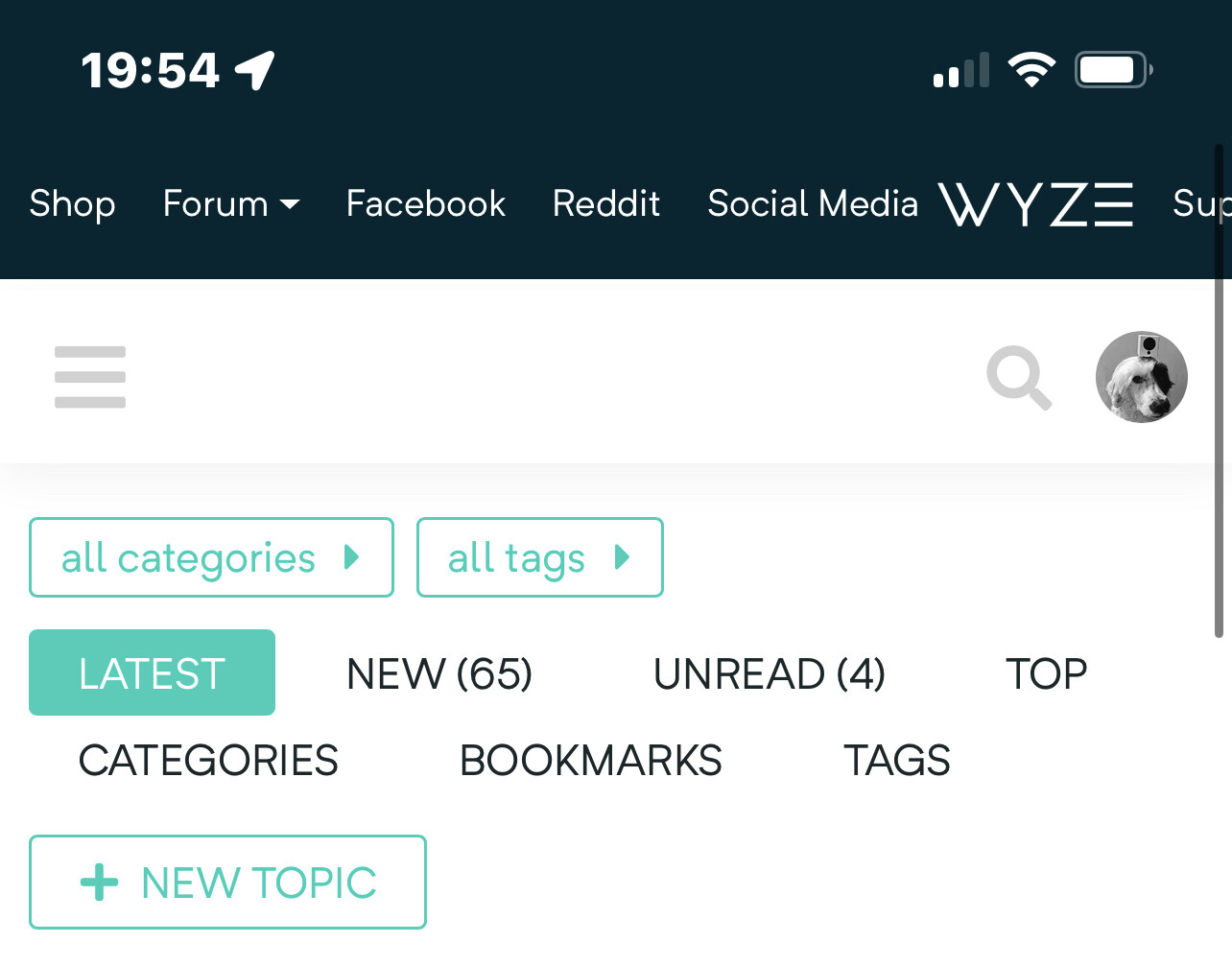
If you turn your phone sideways, do you see NEW as a separate link?
3 Likes
Your screenshot is using the Desktop Mode of the forum, selectable in the lower right of the Sidebar.
@Customer’s screenshot is in Mobile Mode.
My Android in Mobile Mode:

And in Desktop Mode:

2 Likes
Ah, that makes sense. Like I said, I only ever use mobile for the forum in an emergency. Maybe once a year.
4 Likes
It has complicated the ability to describe where to find things and how to access features now that they have introduced those two modes that toggle the view and move the information and buttons around. Probably a good move for those with tablet phones and tablets to be able to toggle, not so much for those who only use standard format phones.
2 Likes
I couldn’t care less where it is on the phone app. I NEVER use the phone app to look at this forum - EVER. Even if I am going to use my phone to get to the forum (essentially never) it will be via the web page.
So how do you get it via my PC on the forum web page?
In your own words:
I am a firm believer that a smart phone is a great and wonderful device. But it is NOT a replacement for a real computer and never will be. If for no other reason, amount of available screen space.
I can respect that opinion. It isn’t for everyone.
However, having previously been an IT\IS Network Manager responsible for a Frame Relay Secured VPN network with offices in four states with over 200 client PCs, remote access, and 4 linked servers on the rack in my office with 6 others in sattelite offices; I can testify that it can be done and is quite rewarding when mastered. I have been doing it for over 10 years now and the mobile technology to do so has even outpaced my need.
But, then again, we have already had this conversation, haven’t we.
Interesting, idk how I just noticed It. It’s a bit overwhelming at first but I can definitely see the use in it. I never really liked those drop-downs that used to be there
1 Like
I’m in front of a PC all day for work. For casual entertainment such as this forum I vastly prefer something I can tuck away on a moment’s notice, and right now that’s a basic mid-size phone. Of course many people no longer use laptops or desktops at all any more. Mobile and “responsive” (autoscaling) modes exist for a very good reason. And this latest Discourse update just isn’t very good in my opinion, which is a pity since it’s otherwise about the best forum software I’ve ever used.
2 Likes
Discourse has a site, meta.discourse.com where you can post questions about Discourse and such. You may want to hop over there and see if there is any other noise about this or if anyone has suggestions to make it better on mobile. Please report back if you learn anything valuable.
2 Likes
Thanks, @Loki .
Well I’ve figured this much out at least - apparently the forum tracks every thread you’ve ever even read once, regardless of whether you posted or chose to follow it.
So that’s what my 172 number was. I chose to dismiss them, with prejudice, and now I’m getting the 2 click New effect that @SlabSlayer advertised.
I’d expect that this is going to keep happening every time I dare to read a thread though, but, whatever.

1 Like