Anyway to Delete multiple events on ver 3?
Yep, on the event tab click the pencil in the upper right, then click the check boxes next to the videos and when all are selected that you want to get rid of, click delete on the lower right corner.
If trying to delete more than 20 from the day, scroll all the way down til all the days events are visible, then go back and click all the check boxes for videos you want to delete, to delete more than the 20 shown at a time.
thank you!
@Omgitstony I do not see the “Event Tab.” I’m looking a a live shot form the camera. I see Pan Control. SD Card, Take Photo, Record, Siren Track Motion, Pan Scan, Album, Timelapse, Privacy Mode.” Under those, I see “Recent.” and below thumbnails of the multiple events. (Many, as a friend was there and I had not turned the camera off.)
What am I doing wrong? (Pan v3)
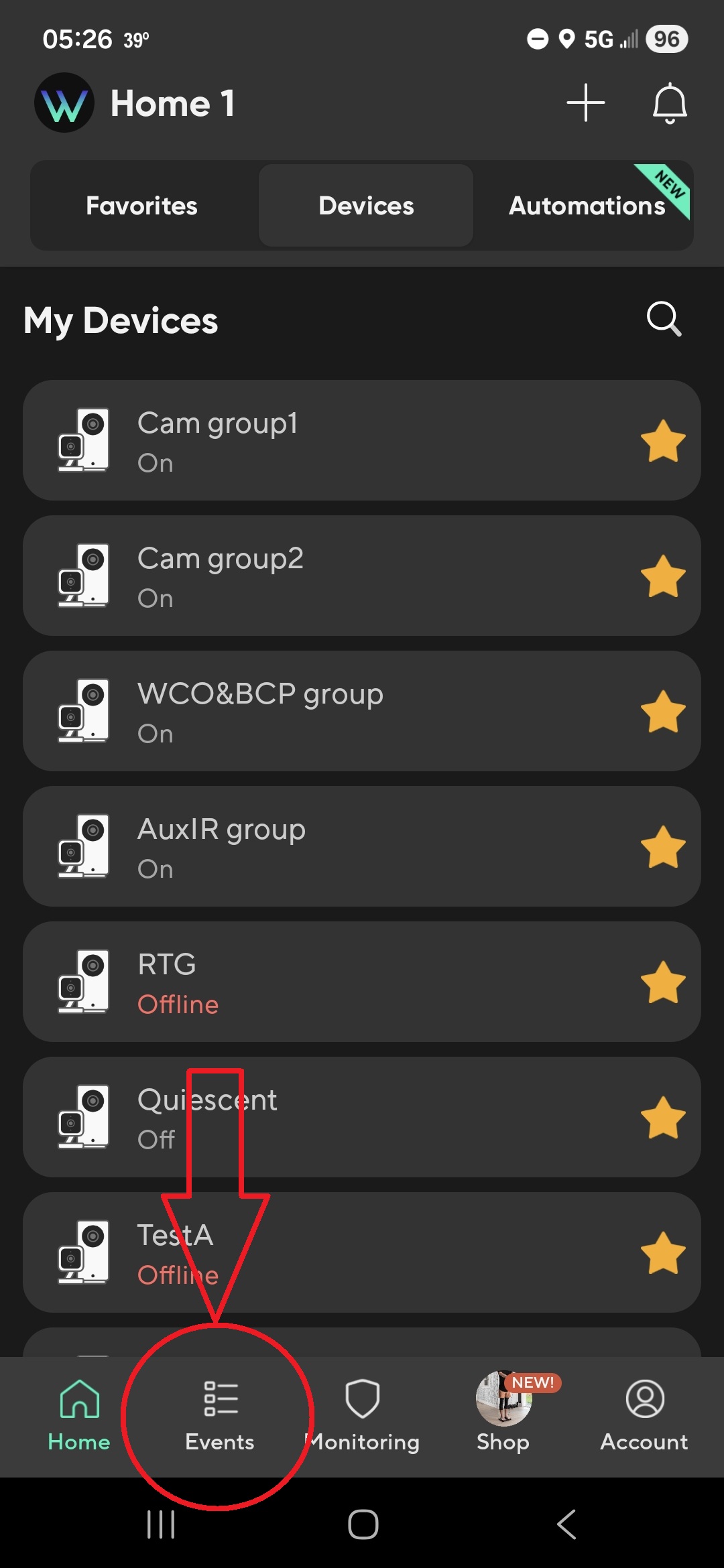
@Seapup Thanks. I did as you say, and see a screen similar to yours, although mine shows this:
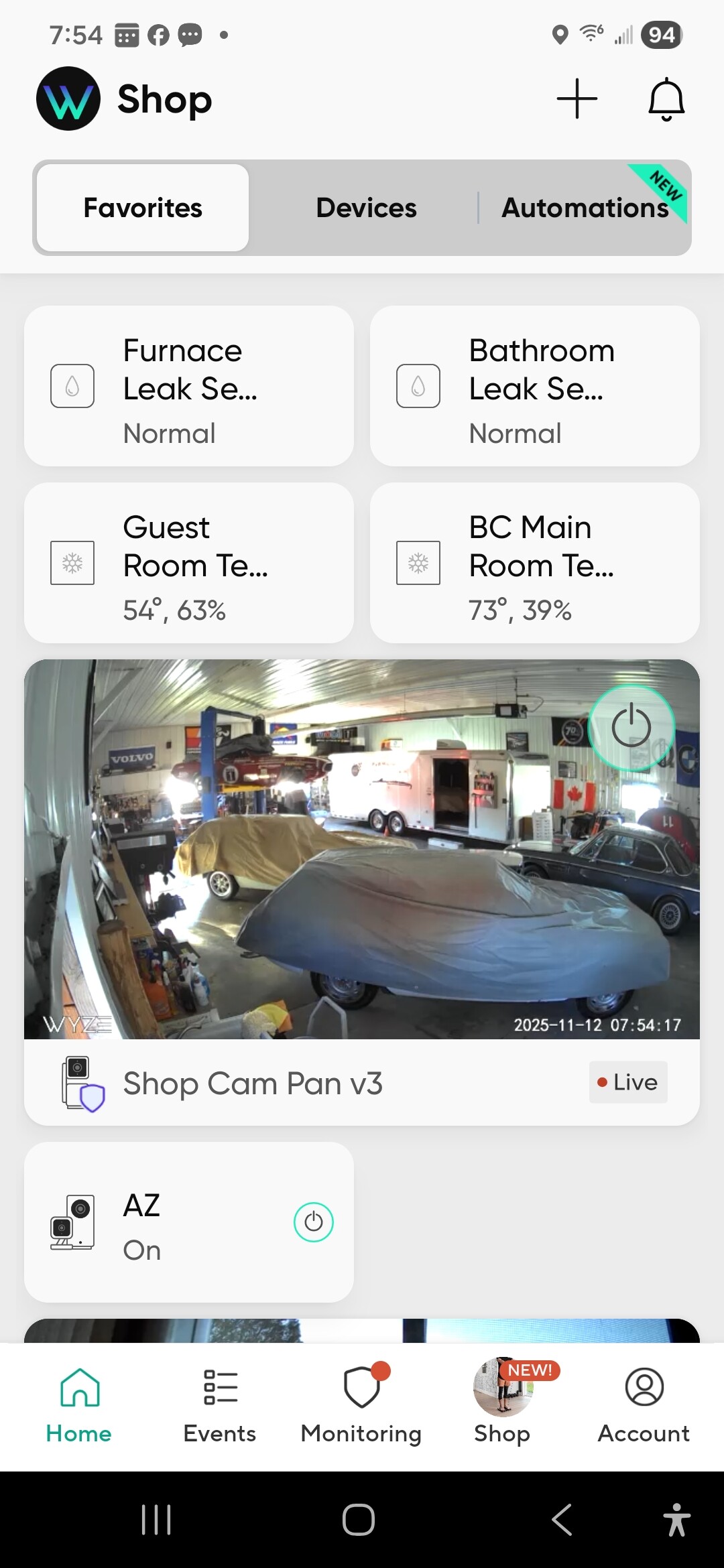
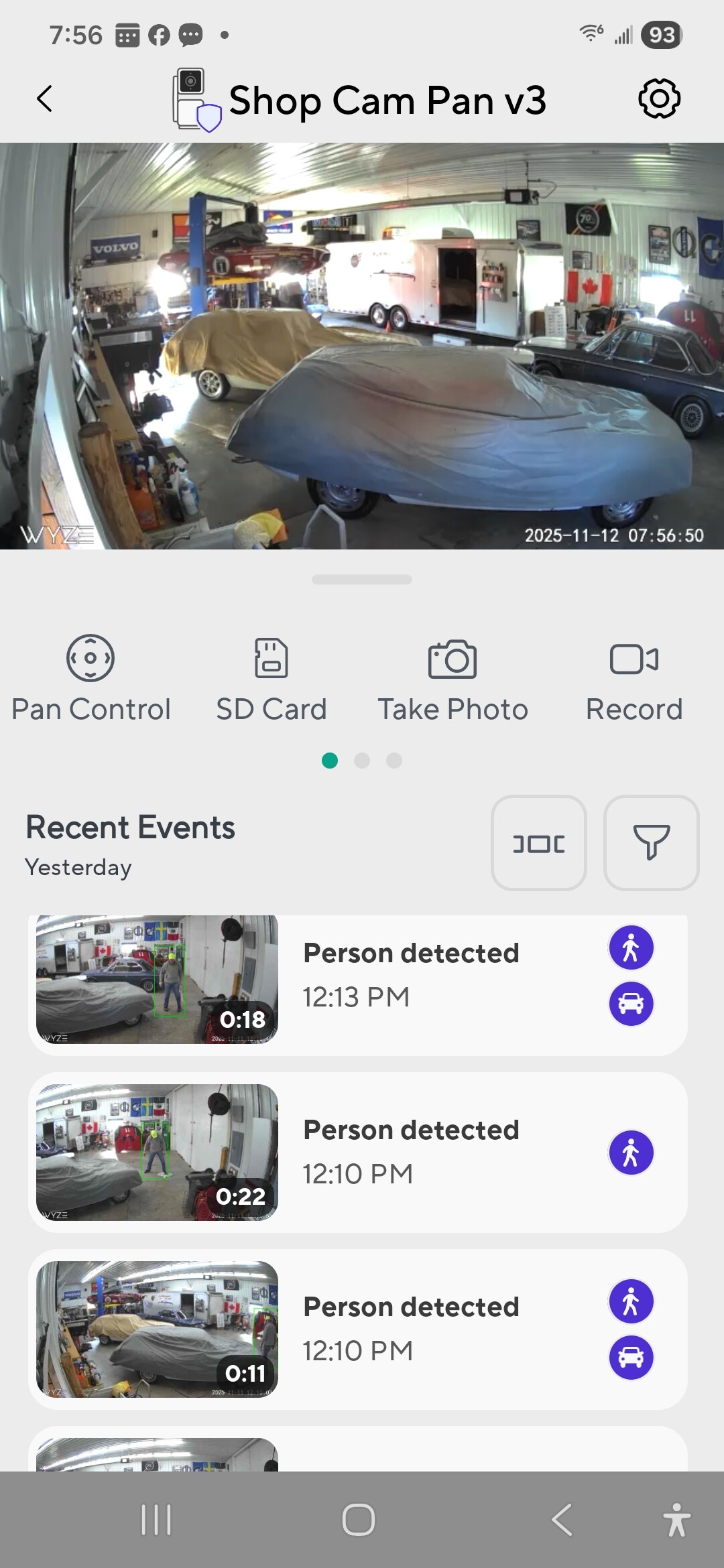
It’s the ShopCam Pan v3 that has all the events. When I click on the live image, I see this:
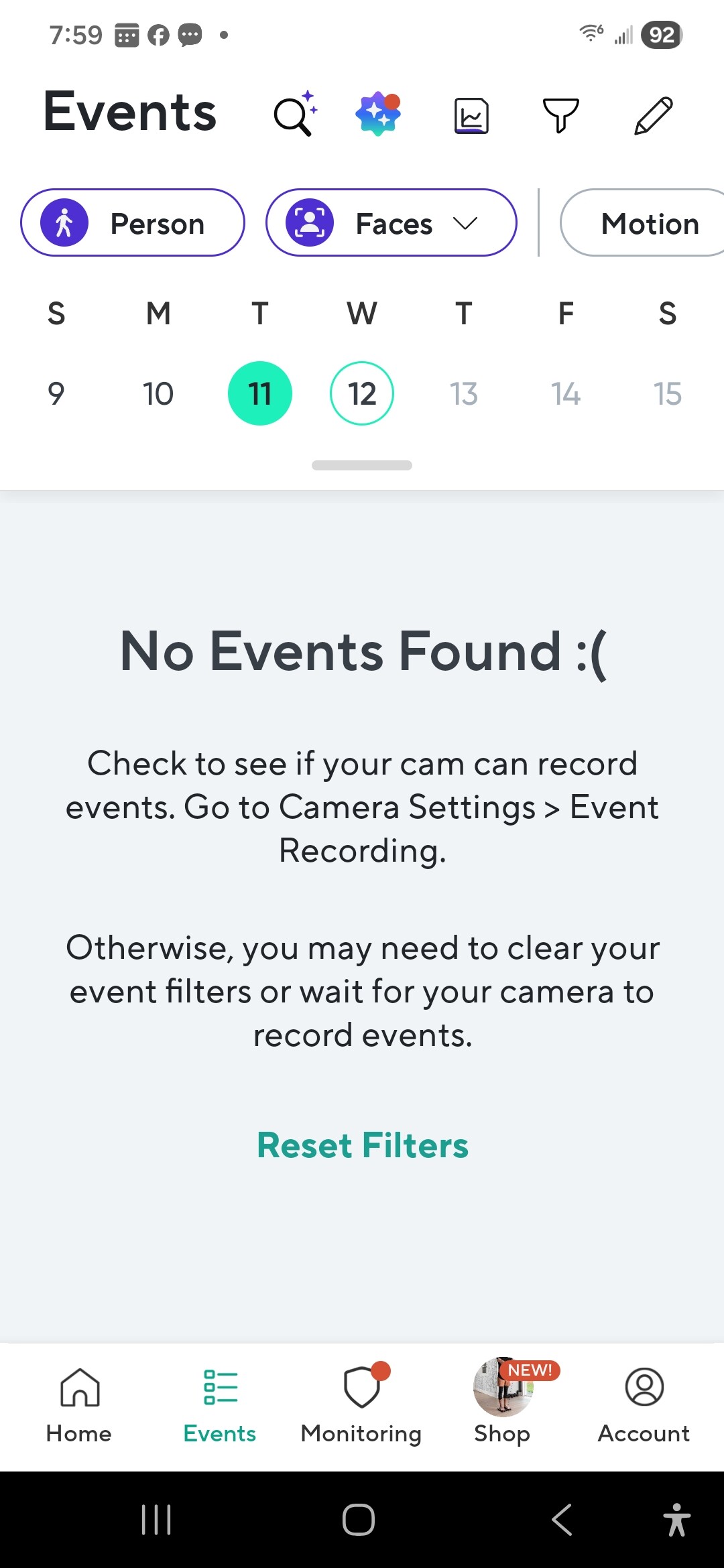
But when I go back to the Home and click on Events at the bottom, I see this:
Yet, it’s clear there are a whole bunch of events there.
? (Sorry, I must be a tech ignoramus.)
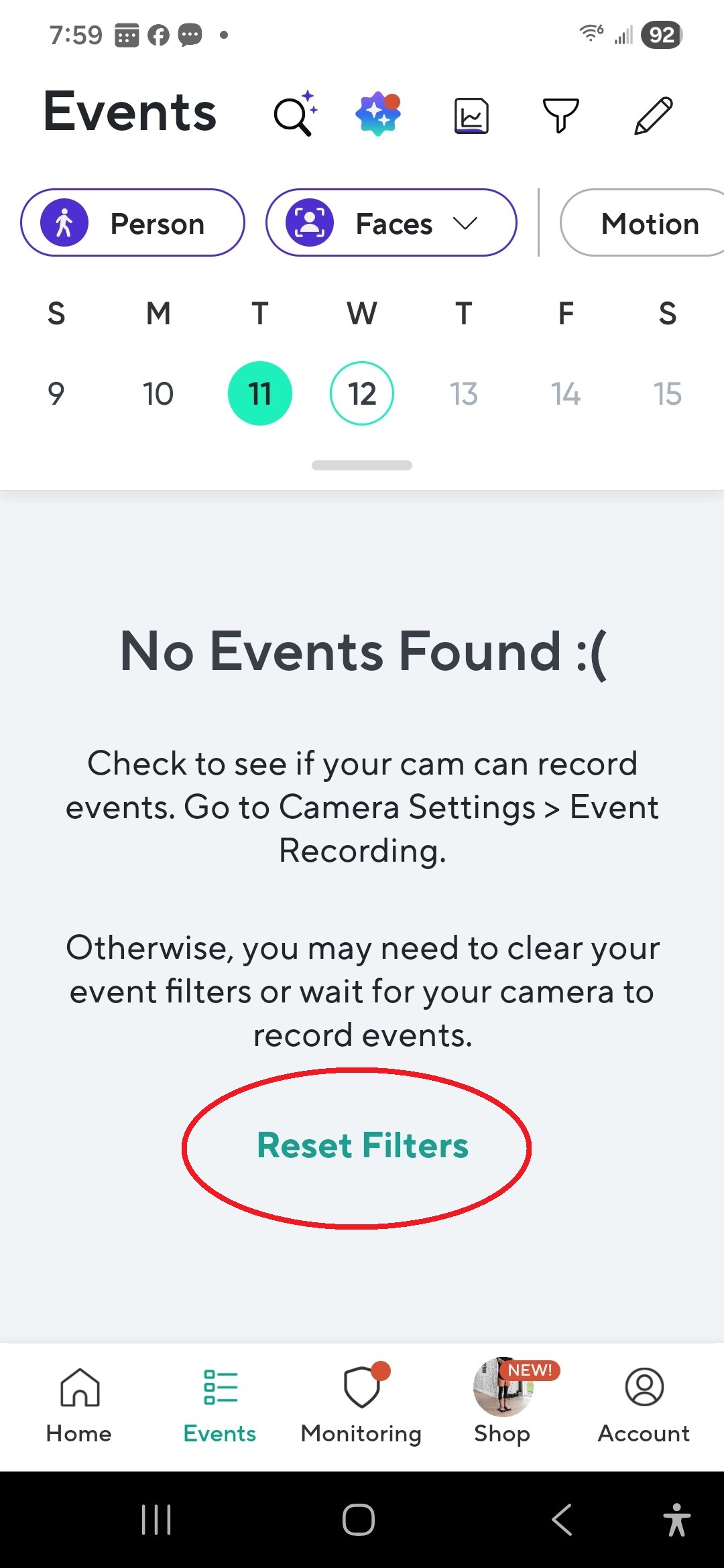
Nothing. And when I go back to the Shop Cam Pan v3 it still shows all the events.
What are you trying to do? Delete cloud events from your Shop Cam Pan v3 from yesterday? Delete all cloud events from yesterday? Review cloud events from yesterday?
I’m trying to delete cloud events from my Shop Cam Pan v3 from yesterday. There are 46 of them.
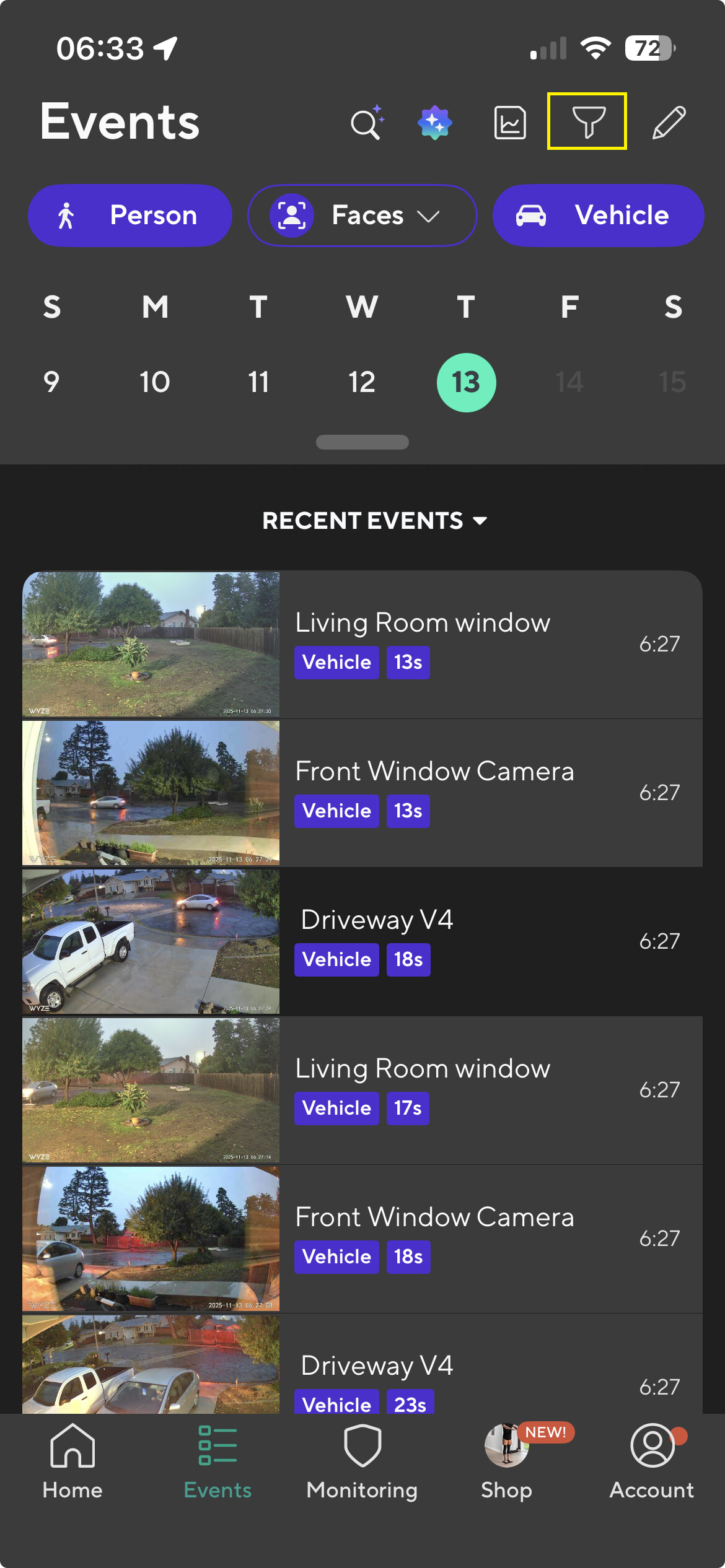
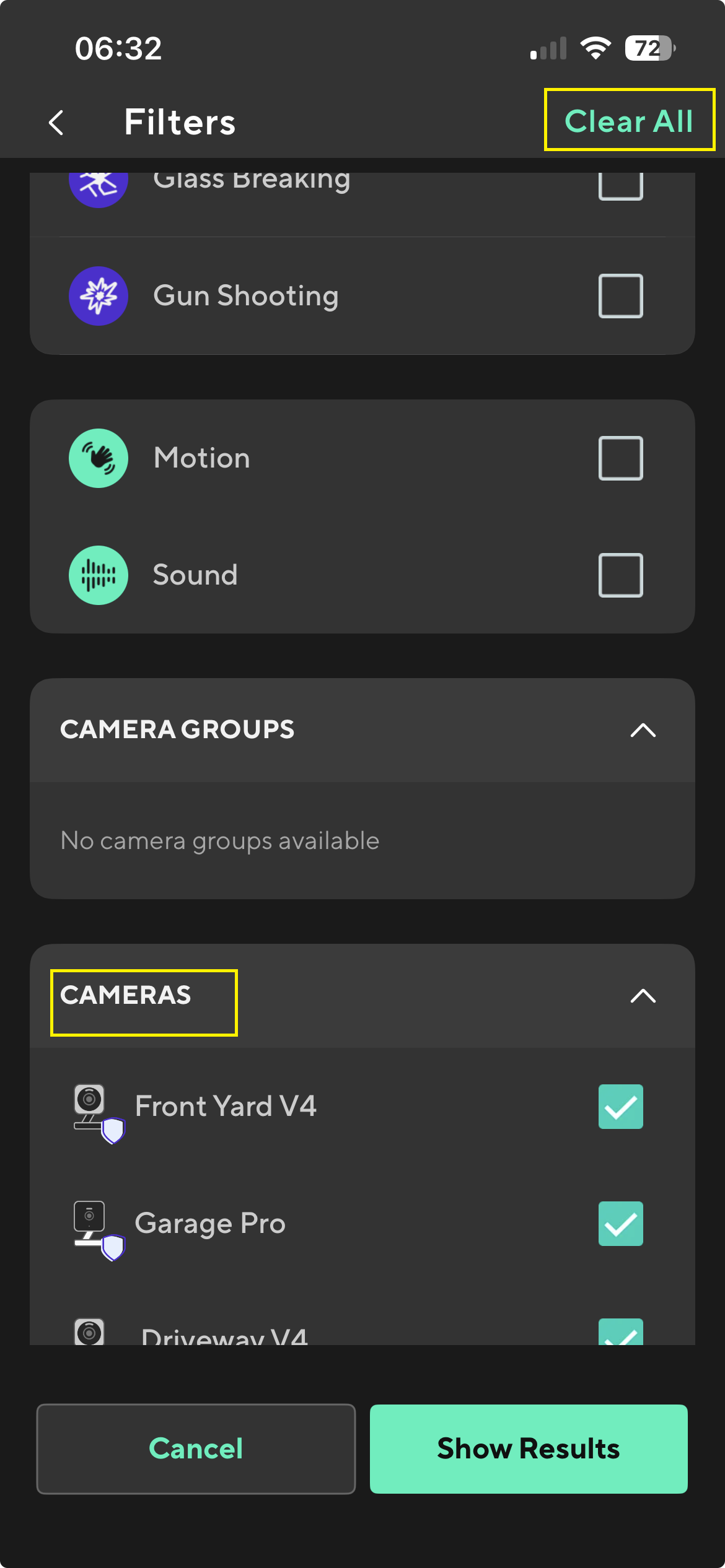
Thank you!!!
If anyone needs a step-by-step guide:
- Select HOME
- Select EVENTS
- Go to the date that the event occurred
- Select funnel icon at top
- In Filters, chose the event types you want to delete
- Scroll down and chose the camera whose events you wish to delete
- Select Show results
- Use pencil icon at top right
- “Select all”
- Delete (if there are a lot, may have to “Select all” multiple times)
I don’t mind waiting for them to purge IF they really do purge.  I just hear horror stories about these companies keeping all the videos for invasive purposes.
Thoughts?
Wyze had a security breach a couple of years ago where some users could see other user’s cameras.
All of my Wyze cameras watch the outside of my house so I really don’t care if Cloud videos purge after 14 days or not.
Wish I could say the same. Yet, I have 3 inside and 1 outside. But another 4 of a hardwired system outside.
Regardless of company, we have only a privacy policy and a history of abuse/no abuse to make judgement. Wyze has no history of abuse (companies keeping all the videos for invasive purposes). Wyze’s privacy policy and some additional security details are located here:
Are you able to add more inside cameras to your hardwired system?
If so, you could then move the 3 indoor Wyze camera to public viewing areas.