Yeah that’s the standard firmware, trying to figure out if they sent @cgoye an updated firmware to resolve the issue.
1 Like

Obviously many are having the same issue. I’ve got 10 of these cameras and every one of them is having this problem. I did not update the firmware on them. It just suddenly started skipping recording when motion is detection . I do have plus subscription.
1 Like
Yes it is a known issue - but apparently a fix exists as of yesterday, just trying to determine if those who have gotten the fix got a new firmware pushed out (Wyze can do that to specific cams) or if some other back end change had to be made.
Either way you should be able to contact support and request the fix - or maybe @WyzeJasonJ can advise how to get your camera/account on the list to get fixed.
I would assume all will get the fix at some point but if you want to get it sooner you probably need to request it.
2 Likes
Thanks, Dave. Appreciate your participation and helping him with this matter in the forum. I will submit a ticket
1 Like
Note this previous post earlier in this topic from Wyze, as well, and please be aware of the distinction between logs and tickets:
I’ve read user reports in this and other topics indicating that it’s been solved, but I’m not yet convinced that this is the case.
1 Like
I just checked and I’m still having the same issue. No changes.
I just now submitted my log and info to Jason. I sure hope they can get this figured out. This is crazy. And widespread issue on the OGs.
1 Like

Yeah, that message from Jason is the most recent information I’ve seen from anyone at Wyze about this particular issue, so as far as I know it hasn’t yet been resolved.
1 Like
OK so they didn’t push out a firmware update, must be something else they need to do on the back end.
1 Like
Based on the fact this issue started to happen without a firmware update I assume it is a cloud AI detection issue that somehow causes the camera to re-boot. So logically it could be fixed without a new firmware. As the existing firmware has been in place for very long and when it was originally released this wasn’t an issue.
2 Likes
Yup, not unreasonable, was just curious if whatever they did that caused this would end up needing a firmware fix (i.e. they couldn’t revert or change the back end thing).
1 Like
So, interestingly, 2 days ago, middle of the night, one of my 2 OG’s reverted back to gaps and showing 5 min, despite still showing all events as I prev outlined. It had recorded some flying insects. The other one was still working fine. So I changed all events to Smart/Customize and restarted, no change, then back to All and restarted again, and now it works fine again. No further probs. Seeing the recent “fixed” updates, I checked for firmware and nothing new. Gotta be on Wyze’ side.
What did you restart? The cameras or the app?
restarted the cams only. while I have occasionally restarted the app, I don’t believe I’ve ever had any issue with it in IOS.

I just tried doing as you stated you had done, and there was no change. Soon as I started to walk in front of the camera, recording to the SD card stopped and didn’t come back on until I walked away and there was no more motion.
@emailsubs … can you do that test again but while your doing it on a PC do a PING to the camera and see if it falls off the newtrok or reboots as we expect it is doing when the gaps happen in the video. That would help us confirm the camera is rebooting when that happens as we expect.
1 Like
Well, that was short-lived. Gaps back. Missed a full minute on SD card for events.
I updated the ticket with Wyze and let them know that I still see a number of people on the wyze forum having issues with the OG cams.

1 Like
Having the same problem with my Cam OG and only my Cam OG. Getting a random video dead spot whenever there’s an event detected: “No video available at this time.”  Frustrating.
1 Like
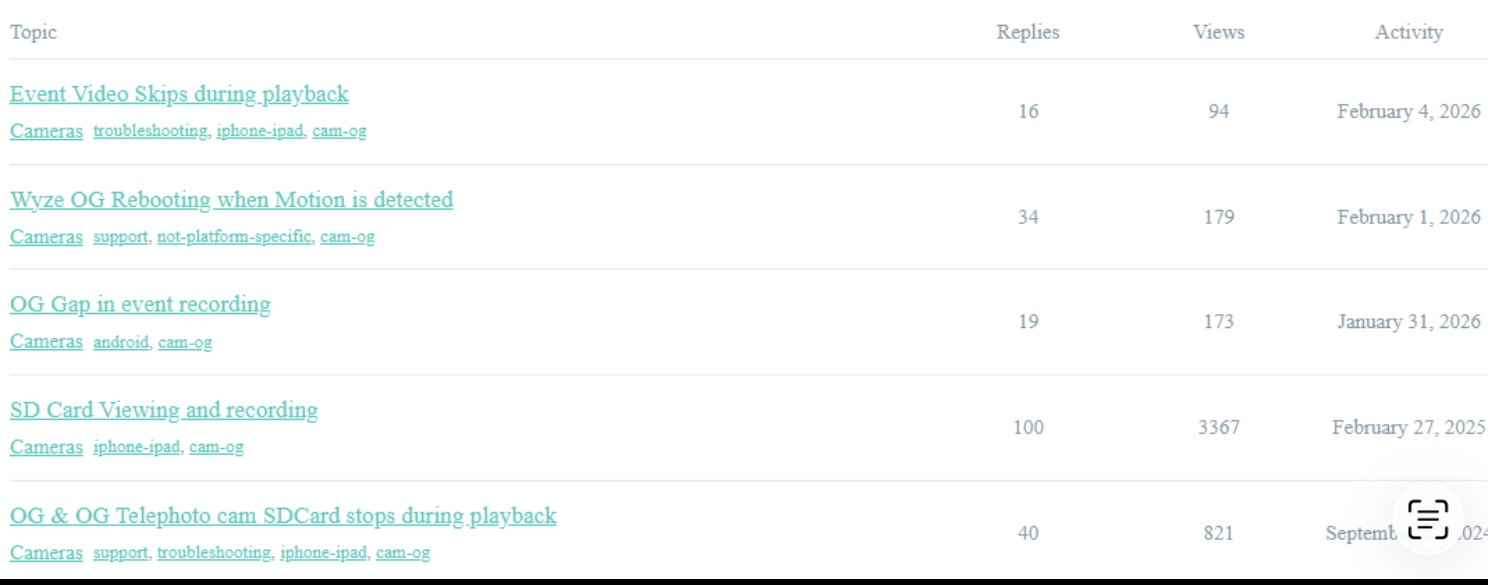
Check through this thread for tips on a workaround, reaching out to Wyze support to generate an incident/support ticket and connecting directly with Wyze team member who’s watching this issue and forwarding OG camera MAC ids to engineers.