I wasn’t suggesting that you use MEmu or any emulator.
I agree, it’s not a solution.
tinyCam on Android TV is probably as close as you’re going to get.
I don’t monitor my cameras with bluestacks but it runs in the background and I will get a popup flag if I get a notification, works out for me, but my PC is above average

Well , I don’t have any Yi cameras and don’t plan on buying any , but I can and do , view my Arlo Cams on the web with their web based portal
desershores - I don’t understand why you keep pushing the Yi Windows App on a WYZE message board - how does that help anyone with WYZE Cameras? Does their software also work with WYZE or something that I’m missing here?
If you get fed up waiting for WYZE you now know that YI has a Windows app.
Knowledge is a good thing.
Yes, it’s a prod to get Wyze to get their act together to improve the customer experience. They have had years to work on the Wyze app and it’s only marginally better than when they started.
Has anyone tried anycam for PC?
No. You?
Was thinking about getting some outdoor cams but really need more than a mobile device view. Especially during covid when working at home, Seems like a big gap in the offering given many other wifi cams have web built directly into them like foscam etc. Really like these little cams but wont get any more until this gets some support. Bluestacks works but is garbage, video quality goes down and resource hog of running an emulator.
could u walk me through adding the cameras? i have tiny cam but seem to find the cameras
i got memu but when i search for the wzye app it doesn’t find it any help??
Instructions here:
ty very much
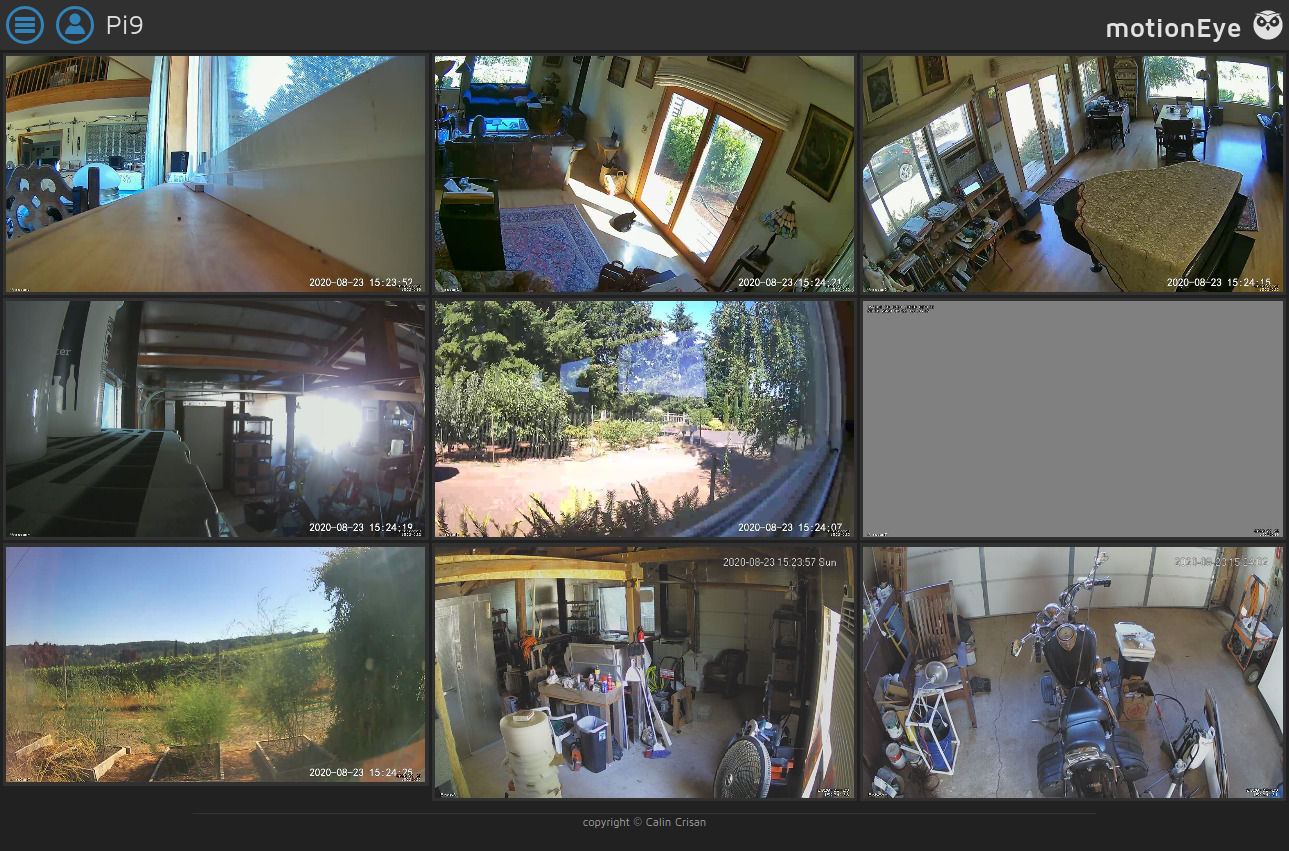
WYZE RTSP or Dafang Hacks?
Is it fairly stable?
Using the Wyze RTSP for now. As for stability, I’ll let you know. I was running three different installations of MotionEye (2 ubuntu, one pi) and kept losing connection. I’ve shutdown 2 of 3 (both the ubuntu systems) and it seems much more stable. That means only one connection to the rtsp stream now rather than three. Looked at the DaFang firmware but was still having issues with multiple systems connecting to the stream.
I think part of the issue is the amount of data flowing over wifi. Three connections to the cameras was probably overloading my router.
I am interested in this. I have a Raspberry Pi 3b looking for something to do. 
The 3b might be a little under powered depending on the number of cameras but should work for 2 or 3. I went with the 4 just to play. 
I wondered about that. I’ve got 8 cameras total but may start with 1 off-site camera.