My outdoor cameras (on a base station) are no longer detecting people. They are detecting MOTION even when it’s a person. But no longer flagging people as a PERSON? My pancam (on wifi only not a base station) works fine. As well as any indoor cameras if I wanted them to alert (I don’t generally have them on any alerts).
I did have to remove all the cameras and add them back after getting a new router. But everything added back fine and all my automations appear to be working.
The cameras will alert for "MOTION” but just not able to tell it was a PERSON.
Any clues? And yes, all firmware and app is up to date on all cameras.
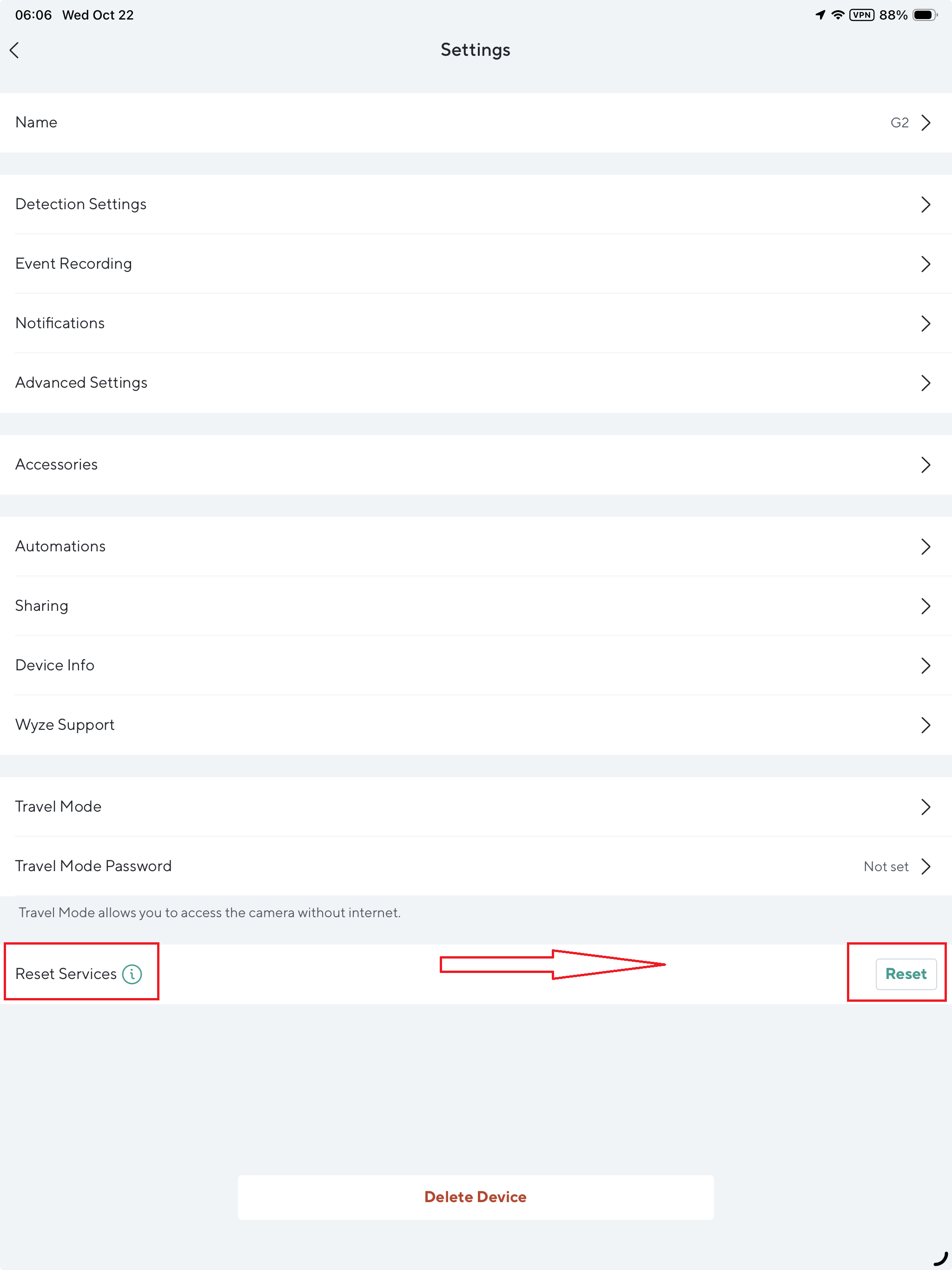
Not that it solves your issue, but my WCO v1 and v2 cams are detecting Person daily, so there isn’t a widespread server issue. Have you tried resetting the Cam Plus service under Advanced Settings for the problem cam? Reset Services is down at the bottom of the settings page.
Is this an issue where you’re receiving “Complete Motion Detected” notifications instead of “Person Detected” notifications? I don’t have any Cam Outdoors, but I’m trying to understand the experience and if it’s similar to what other users have reported sporadically with other Cams in the past.
I have four WCO v1 cams and 99.5% of the time they tag person/pet/ vehicle correctly. Last night there was an unusual amount of short videos that were tagged as motion. ?
I have mine set to send a notification ONLY for persons detected. They do detect and record MOTION and I can see those little video snippets but NONE are persons even when I can see a person in the video.
I’ve checked all my settings, I’ve restarted the cameras, I’ve restarted the app, I’ve cleared the cache…yada yada yada…it’s not likely on MY end. My non-outdoor cameras DO correctly detect PERSON and notify me vs. just non-person motion.
Right, but what I was specifically asking about is the notification title. What does that say? Are you seeing notifications with a title of “Complete Motion Detected” when you expect to see “Person Detected”? I’m trying to understand what your experience of the problem is.
Disclaimer: I don’t actually own any Cam Outdoors, but I’ve seen “Complete Motion Detected” (as well as generic “Sound Detected”) notifications for other Wyze Cams when something is wonky in the settings, so I’m trying to figure out if that’s what you’re seeing.