Sure. As I said, there are multiple ways to do this, the easiest one is the app called “Buzzkill Notification Manager” but it’s a paid app (sometimes goes on sale):
Personally, I basically got it for free by doing the “Google Opinion Rewards” stuff, answering short surveys of 3-4 questions once in a while to get free Google Play credit, so I don’t mind paying for the best apps once in a while with those credits.
You can do the same with Tasker or Macrodroid, or there are even some free opensource apps. But I find Buzzkill to be the easiest to understand/use, which is why I suggested it first.
So for Buzzkill, it is REALLY easy to set up, check this out. You just open the app and click on the Create Rule Button at the bottom right as seen here:

Then it will open up to the rule screen like this:
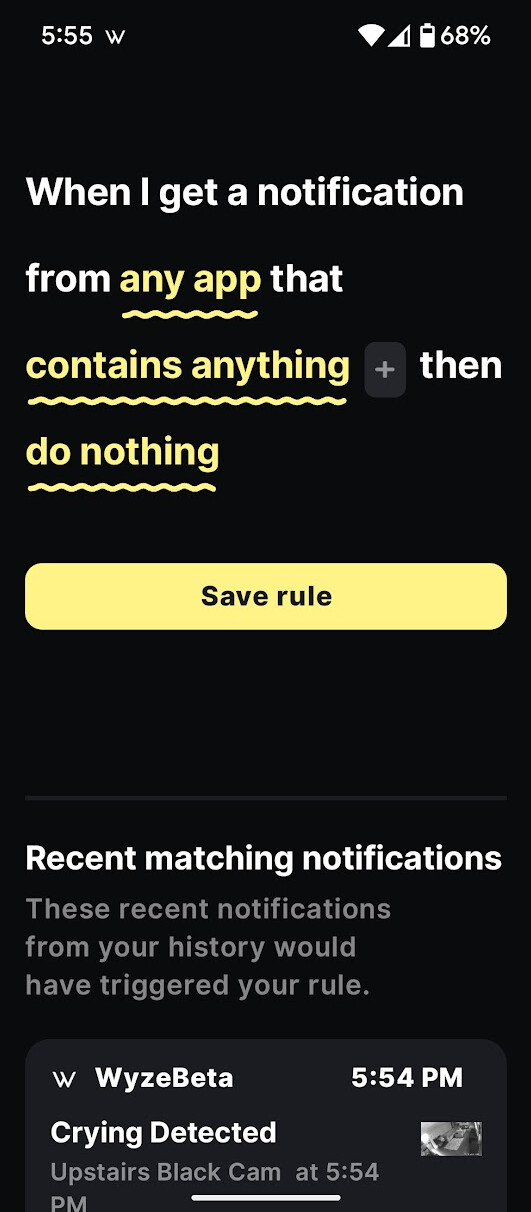
- Now you just select which app (Wyze or WyzeBeta)
- Then you select the next section and change it to what you want it to watch for, like “Contains [camera name]”
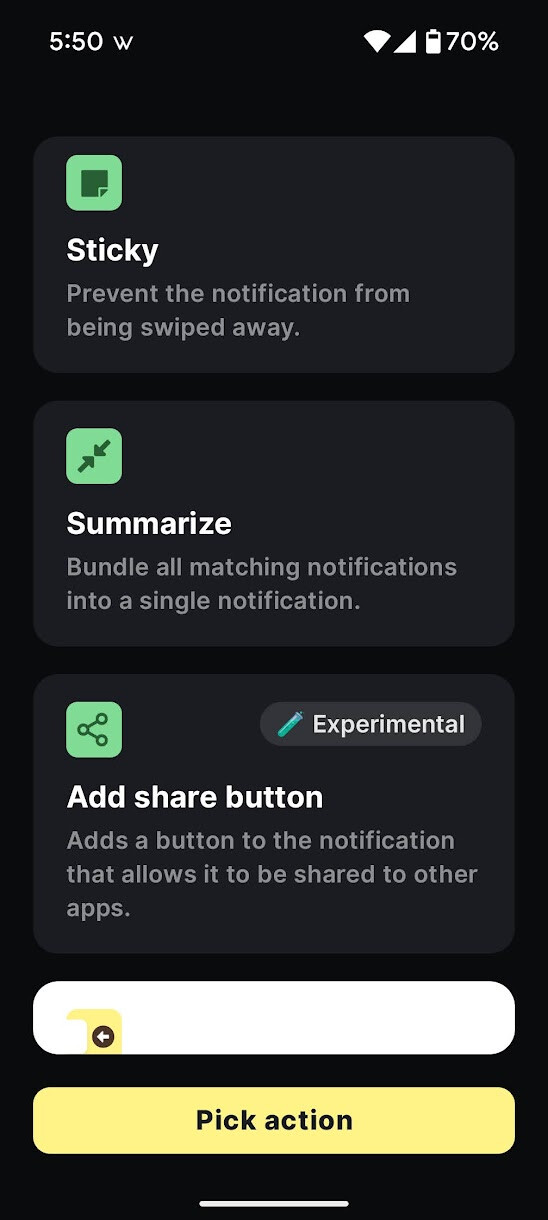
- Then choose an action like “Dismiss Immediately”
Here’s an Example of one being dismissed immediately so I never see it:

And you can make it so it dismisses EVERYTHING from that camera (remove the motion option) or tell it to only remove when it says “Motion” but not person detections or whatever else. In that case you just edit it to include both the camera name and when it says Motion like this:

You can choose phrases, or groups of words or a number of things.
Or sometimes I will just have some dismissed after a set time period

I’ll post a bunch of examples of other ones I use for you to get some ideas
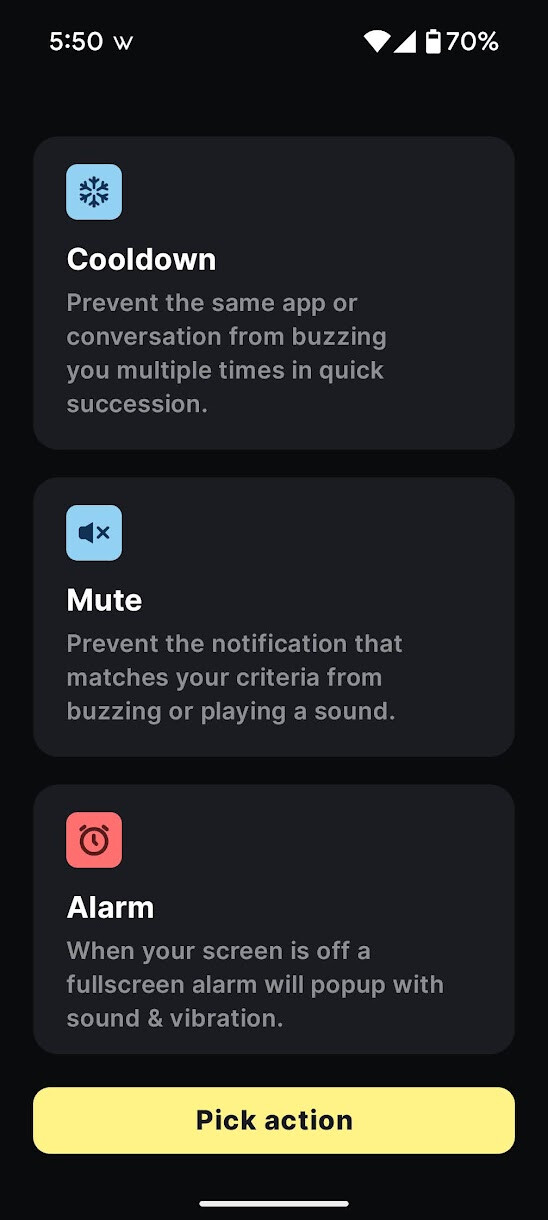
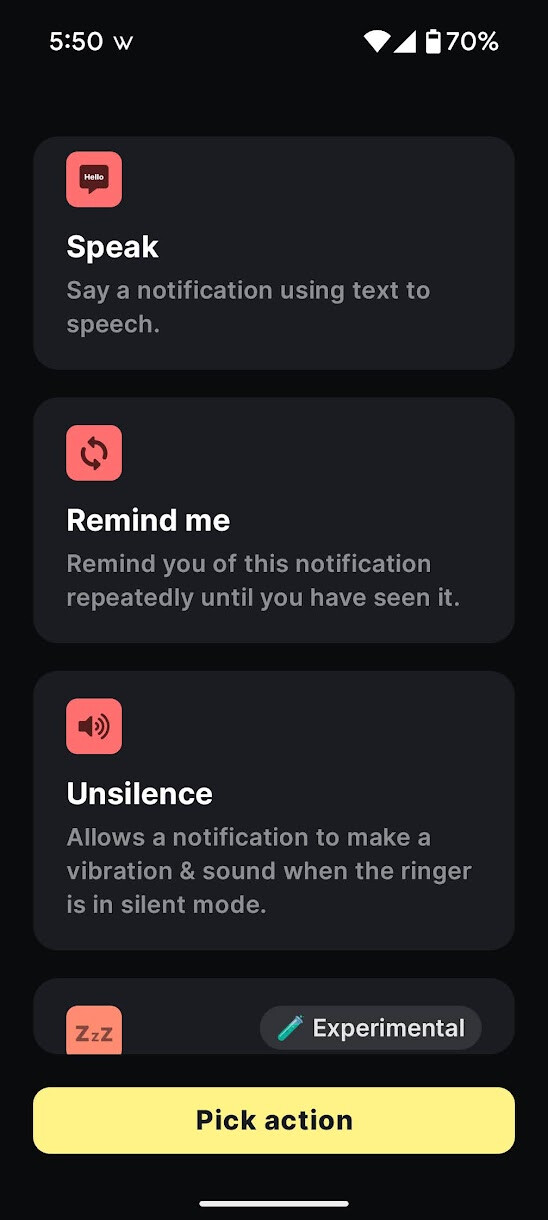

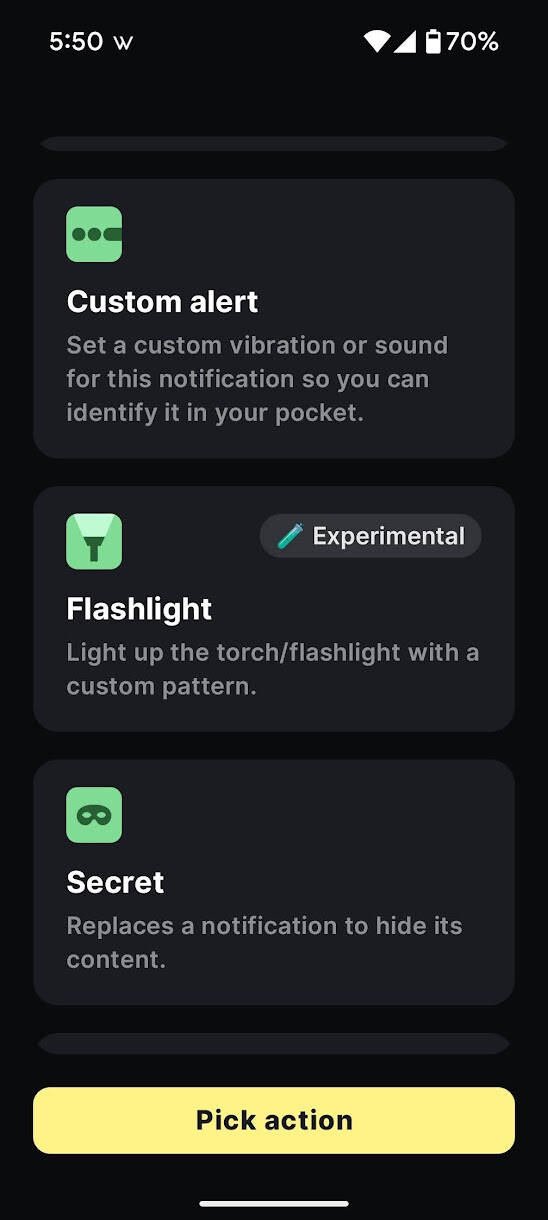


Open this dropdown to see a bunch of examples showing some things I actually do with this app
Here I have my phone automatically announce out loud when someone is at my doorbell:

Or let me know when I lose internet because my Wyze Hub went offline:

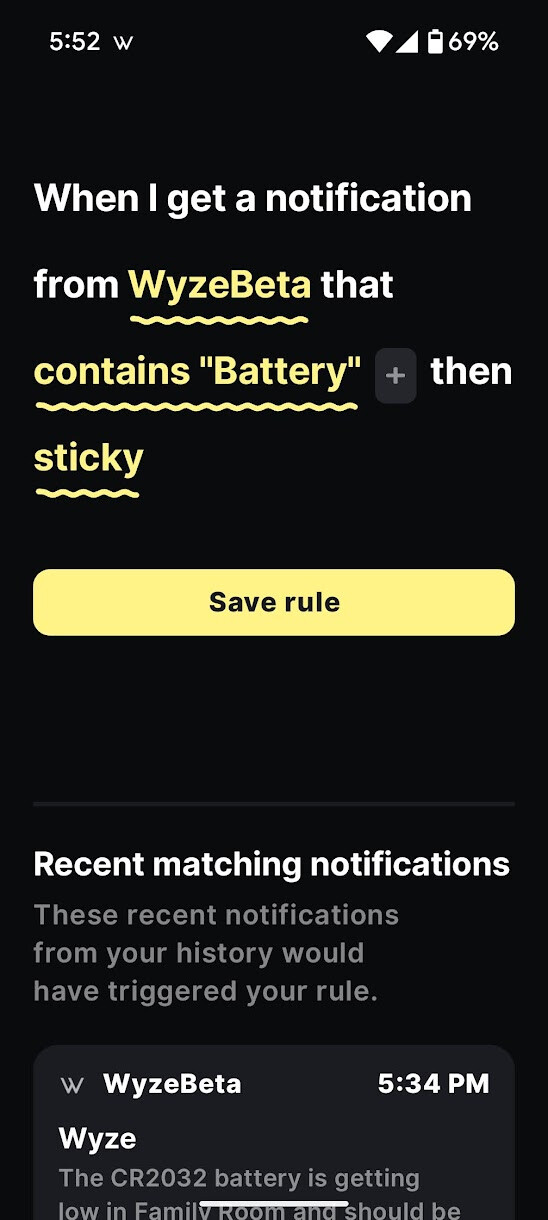
And make that notification sticky (not easy to accidentally swipe clear…this is to ensure I don’t miss it):

Same with any notifications about Wyze devices with a low battery:
I use this one to clear out my pet detections at night so my notifications don’t fill up with junk about my pets and stop letting me get other notifications I care more about:

I used to use this one to make sure I didn’t miss any of their Flash sales, though they rarely do those on the app anymore. They used to do it a lot more before they got on TikTok and did all their flash sales on TikTok:

Here’s an example of one where I have a whole ton of cameras I want it to clear notifications from automatically once the notification is at least an hour old (such as my kids were crying on their baby monitor camera…after 1 hour that’s not as relevant or urgent anymore and I probably already handled it):

But you could do the same thing and list a whole ton of camera names in that group of words and tell it to automatically dismiss immediately so you never see any of those notifications at all.
I have a good couple of dozen of these custom notification actions. You can use it with notifications for any app. That comes in handy when a lot of apps don’t have customization and try to force me to get ALL notifications and I only care about one specific thing and don’t want any of their spam or other stuff.
I do the same and similar things with Macrodroid and Tasker too. I also use Macrodroid sometimes when I want the action to be a “Webhook” (which is like sending a command to my Home Assistant Server or to Alexa to tell it to do something when I see a certain notification and they don’t have a trigger option for it).
I hope those instructions help and the examples were helpful to just do the simple thing you wanted (auto-dismiss notifications for shared cams so you never even see or hear them) or give you some ideas for other things.

This is one thing I really love about Android…we get full customizable control to be able to do almost anything we want. But since iOS doesn’t even allow any of this, Wyze really needs to build in their own more customizable solution so people aren’t forced to be subjected to notifications they don’t want.